8 best Jobber alternatives for field service businesses (2026)
On the other hand, Jobber's model assumes one team running one visit, so multi-trade coordination and subcontractor access are where it shows its limits.
Buildbite vs Jobber: a head-to-head comparison
Every feature is included on every plan
With Jobber, the tools that keep a job moving arrive tier by tier. Two-way text messaging with clients, automatic time tracking, and job costing are only available on the Grow and Plus plans, while marketing, lead pipeline, and the AI receptionist are paid add-ons below Plus. Buildbite includes its full feature set on every plan, so you get full capability at every pricing tier.

A free client portal on every plan
Say a technician assigned to replace a water heater finds a leaking pipe the client also wants handled. Without a direct channel to the client, they either leave without confirming the extra work or proceed without approval. Both create friction.
On Jobber, the two-way messaging that resolves this sits on the Grow plan and above. On Buildbite, every client gets a free login scoped to just their job, including live progress, photos, and in-thread approvals, at no extra cost, where competitors charge for client access. Change requests are approved right in the app, timestamped against the task they belong to.
Built for multiple trades and subcontractors
Buildbite organizes a job into phases, each with its own tasks and assigned crew, and lets you invite subcontractors or the client into just the parts of a project that concern them. Every task carries its own thread, where photos, notes, materials, and approvals are logged against the right task as the work happens, and easy to search later.
On the other hand, Jobber's model assumes one team running one visit, so multi-trade coordination and subcontractor access are where it shows its limits.
Invoices built from real logged work
Hours, materials, and approved change orders roll up into a draft invoice automatically, with every line traceable to clocked time, photos, and in-thread approval. Send the branded PDF or push straight to your accounting system, and Buildbite exports natively to Fortnox, Visma, Xero, QuickBooks, and others. It runs the job and your books stay where they are.
Unlimited projects and clients, and you only pay for active users
Jobber doesn't disclose how many clients or projects each tier allows, and it charges $29 per month for every additional person who logs in. Buildbite includes unlimited projects, workspaces, clients, and time tracking on every plan, and bills only for active users at €8 to €10 each per month on top of a single €49 base fee, so adding people stays far cheaper as the team grows.
| Feature | Buildbite | Jobber |
|---|---|---|
| Office + field sync | Built together, one live job | Desktop with mobile add-on |
| Free client portal | Standard on every plan | Client messaging on Grow and up |
| Projects and clients | Unlimited | Not disclosed |
| Multi-trade phases and tasks | Yes | Limited |
| Subcontractor and client access | Yes | Limited |
| Per-user cost | €8 to €10 per active user (+ €49 base) | $29 per additional user |
| All features on entry plan | Yes | No, gated by tier and add-ons |
| Free trial | 14 days, up to 10 users | 14 days, Grow features only |
Key features
- Phase-based projects : break each job into phases and tasks, with scheduling on the daily/weekly, team/worker, and site/job level
- End-customer involvement: photos, updates, and in-thread approvals with the client, standard on every plan at no extra cost
- One-tap time tracking : clock in inside each task; hours roll up to invoicing, payroll, or job costing
- Real-time documentation : photos, notes, and materials logged in each job, visible as the work happens
- Real-time field updates : role-aware in-app and push notifications keep clients and crew aligned without a group-chat firehose
- Quote-to-invoice flow: branded quotes with online approval feed an end-to-end flow through field execution to invoicing and follow-up
- Free client plan: clients track progress, approve changes, and view invoices on a free login, no paid seat required
- All-in-one, with separation of business and private: no more WhatsApp mess
- Multilingual crews: mixed crews can each work in their preferred language
- Branding and customization included
Pros
- All features included on every plan
- Unlimited projects and clients
- Two-way client communication as standard
- Quoting and invoicing built-in
- Genuine multi-trade and subcontractor coordination
- Low per-user cost with fair billing
- Hands-on migration and support
Cons
As a field operations platform built for coordinated construction-style work, Buildbite is a better fit for multi-trade and client-facing jobs than for a solo operator running simple recurring service calls, where a lighter tool may be enough.
Pricing
Buildbite includes every feature on all three plans, with unlimited projects, clients, and time tracking throughout. Plans scale by team size, billed per active user with a base fee. You can access all plans on Buildbite with a 14-day free trial for up to 10 users, no credit card required.

The proof
Buildbite customer Keradur Service says:
"Jobber. They all do pretty much the same thing, I just liked the Jobber interface better."
When you see the results you’ll understand why…

Start your 14-day free trial and experience the benefits firsthand.
2. Housecall Pro: Best for marketing and online booking

Housecall Pro is the closest like-for-like competitor to Jobber. Like Jobber, it lets a service business run scheduling, dispatch, invoicing, and payments from a phone, and it adds a strong set of growth tools, including a consumer booking app, review and marketing features, and financing options.
How Housecall Pro compares to Jobber
The two are similar in shape, and the choice usually comes down to where each gates its features and how the per-user math works for you.
Housecall Pro's entry Basic plan covers a solo operator but withholds the two things most teams need quickly, QuickBooks sync and GPS tracking, which only arrive on Essentials. Like Jobber, it charges for extra users on higher tiers, so the cost climbs as you grow.
For teams that work in construction rather than service calls, it’s worth knowing that Housecall Pro is built for home-service jobs. It does not handle change orders, subcontractor management, or phase-based job costing, which is the same gap that pushes complex jobs toward a platform like Buildbite.
Key features
- Scheduling and dispatching: assign and move jobs on a drag-and-drop calendar
- Estimates and invoicing: build quotes and turn them into invoices
- Payments and financing: card payments plus consumer financing
- Consumer booking app: customers book you directly online
- Reviews and marketing: automated review requests after each job, plus email and postcard campaigns to bring customers back
Pros
- Easy to learn
- Strong marketing and online-booking tools
- Reliable payments
- Responsive support
Cons
- CRM is not especially deep
- QuickBooks and GPS require the Essentials upgrade
- Per-user costs add up on larger teams
Pricing
- Basic is $59 per month billed annually, or $79 monthly, for one user.
- Essentials is $149 annually, or $189 monthly, for up to five users and adds QuickBooks sync, GPS, estimates, and marketing.
- Max is $299 annually, or $329 monthly, for up to eight users, with additional users at $35 each.
- There is a 14-day free trial and no free plan.
For a deeper look, see our Jobber vs Housecall Pro comparison.
3. Workiz: Best for call-heavy trades
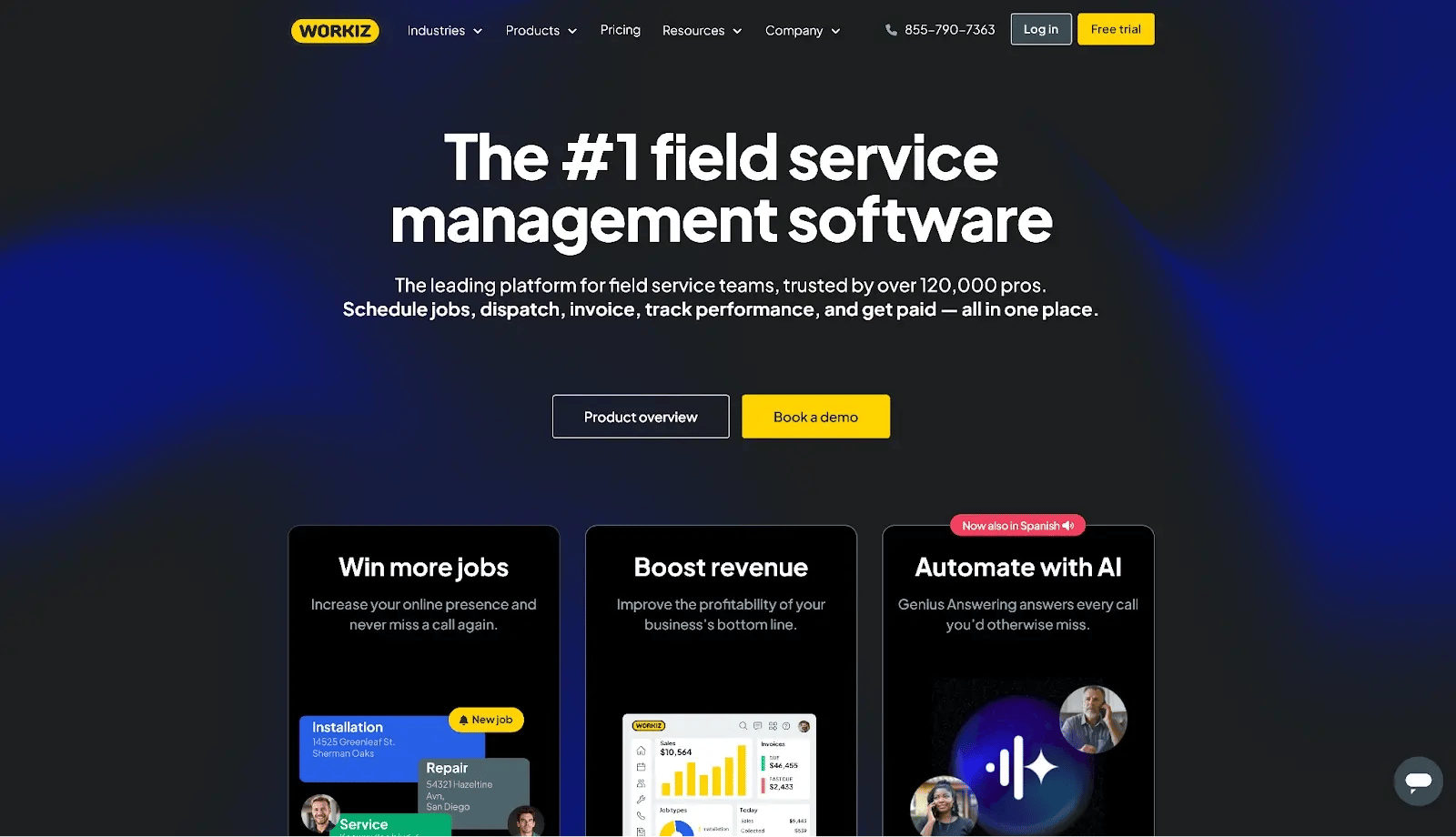
Workiz is a field service platform whose signature feature is a built-in phone system. Calls, texts, scheduling, dispatch, invoicing, and payments all live in one place, which makes it a strong fit for businesses where booking the call before a competitor does is the whole game.
How Workiz compares to Jobber
Workiz leans harder into communication than Jobber does, with call tracking, recording, call masking, and an optional AI answering service that picks up after-hours calls. The trade-off is cost and structure. The communication suite that makes Workiz worth buying, the integrated phone system and AI answering, is sold separately on top of the subscription, and extra users run $46 to $65 per month.
Workiz also no longer publishes plan prices, routing you to a quote instead, which makes upfront budgeting harder than with Jobber's public pricing.
Key features
- Integrated phone system: a built-in business line with calling, call recording, and two-way texting
- AI answering: an automated assistant answers calls you miss and captures the lead (paid add-on)
- Scheduling and dispatch: assign jobs to techs and track them on a calendar and dispatch board
- Invoicing and online payments: send invoices and take card payments from the job site
- Online booking: a widget on your website lets customers request or book a job
- QuickBooks sync: push invoices and payments into QuickBooks so the books match
- Subcontractor management: assign and track jobs for subcontractors (Standard tier and up)
- Inventory and equipment tracking: track stock and equipment across jobs (top tier)
Pros
- A built-in phone system most rivals don't offer, with calling, recording, and texting
- Built-in online booking
- A feature set tuned for call-driven trades
Cons
- Quote-based pricing, with the all-in cost climbing once you add the phone system, AI answering, and extra users
- Some users report a weaker Android mobile experience
Pricing
Workiz does not publish plan prices on its pricing page. The three plans, Standard, Pro, and Ultimate, are quote-based, with extra users costing $55/member/month (billed annually) for Standard and $65/member/month (billed annually) for the Pro plan.
The integrated phone system and AI answering are also sold separately. Workiz also offers a 7-day free trial.
4. FieldPulse: Best for customization at scale
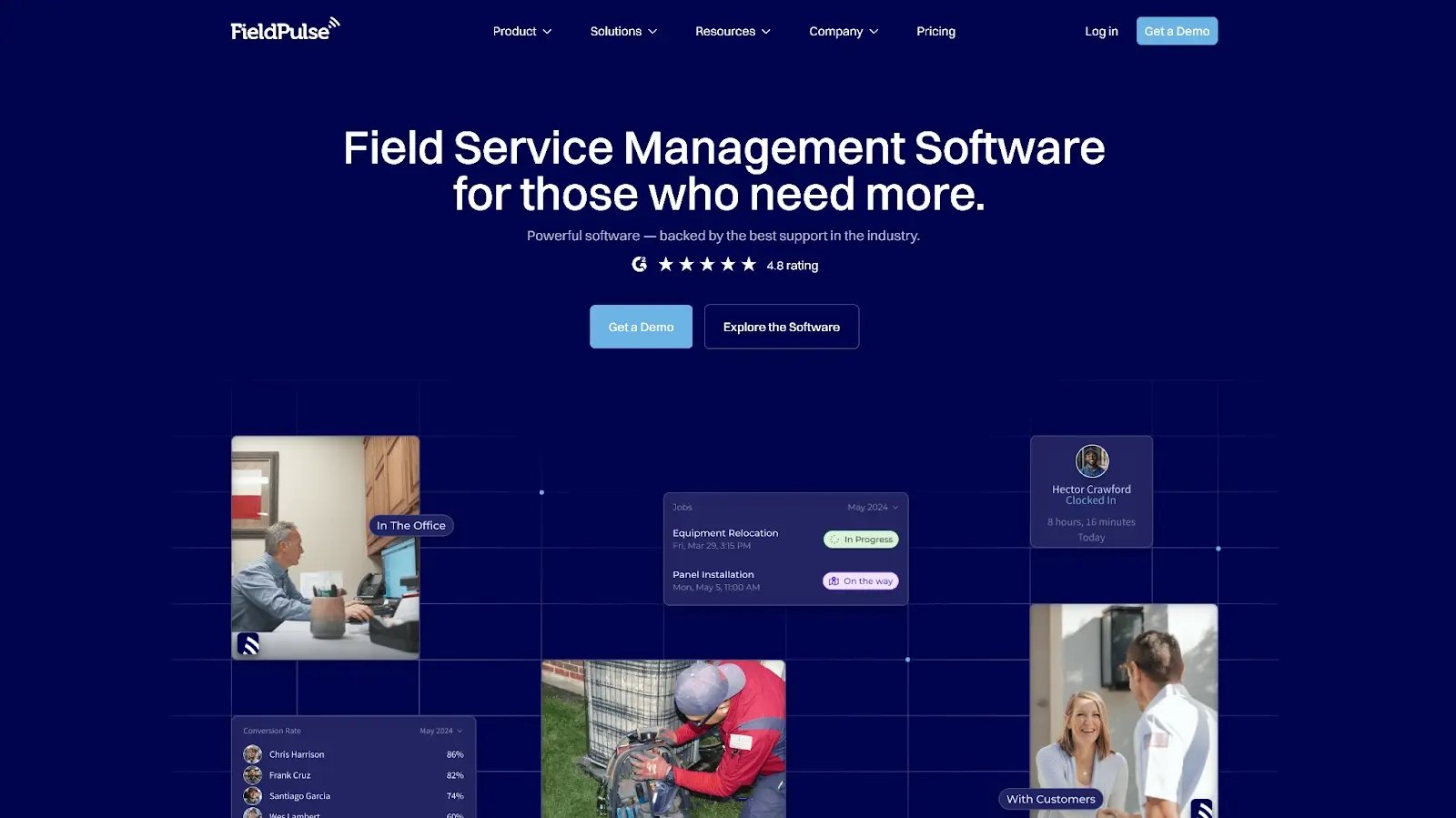
FieldPulse is a full field service platform that competes directly with Jobber on the core workflow, then goes further on configurability. Custom fields, custom forms, and flexible workflows let larger or more particular teams adapt the system rather than bend to it.
How FieldPulse compares to Jobber
Where Jobber keeps things deliberately simple, FieldPulse offers more room to customize, with custom fields, custom forms, and guided job workflows, plus a per-seat model that lets you add cheaper field-only logins alongside full-access seats. The trade-off is a steeper setup and quote-based pricing you have to request rather than read off a page. For a team that has outgrown Jobber's fixed structure but is not ready for an enterprise platform, FieldPulse occupies the middle ground.
Key features
- ClearPath guided workflows: step techs through each stage of a job so nothing gets skipped
- Scheduling and dispatch: assign jobs and watch their status update in real time
- Estimates and invoicing: build quotes, send invoices, and collect payment
- CRM and customer portal: store customer history and give clients a portal to view quotes, invoices, and job status
- Timesheets and GPS tracking: log crew hours and see tech locations on a map
- Maintenance agreements: set up recurring service contracts with scheduled repeat visits
- Custom fields and forms: add your own data fields and build forms techs complete on site
- QuickBooks integration: sync invoices, payments, and customers with QuickBooks
Pros
- Highly customizable
- Easy for field techs to use
- Responsive support
Cons
- Navigation can be clunky, and some functions are not intuitive
- Reporting is a commonly described as clunky and limited by reviewers
- Can feel slow at busy times or on a weak connection
Pricing
FieldPulse does not publish plan prices. It uses a per-seat model across three tiers, Essentials, Professional, and Enterprise, with most advanced tools sold as add-ons. FieldPulse does not offer a free trial.
5. Kickserv: Best for budget teams on QuickBooks

Kickserv is one of the longer-standing field service tools, dating back to 2006, and it has stayed focused on the core: scheduling, dispatch, job management, CRM, estimates, invoices, and payments. Its appeal is the combination of price structure and accounting depth.
Kickserv charges by team size rather than per user, so while a few tools here show a lower one-user entry price, it works out cheaper than the per-seat alternatives the moment you add a crew. Pair that with deep QuickBooks support, covering both Online and Desktop, and it becomes the value pick for an established shop.
How Kickserv compares to Jobber
Kickserv undercuts Jobber on price by a wide margin and offers a notably long free trial. Where Jobber's five-user Connect plan runs $199 a month and its ten-user Grow plan is $399, Kickserv covers the same team sizes at $60 and $119, so a growing crew pays close to a third of the Jobber rate for the core workflow.
Its QuickBooks integration is a genuine strength too, with QuickBooks Online included and Desktop sync available as a $50 monthly add-on. The trade-offs are a thinner feature set than Jobber and a mobile app that draws consistent criticism, so field-heavy teams should test it carefully on their own devices first.
Key features
- Scheduling and dispatch: book jobs and assign them to crew on a shared calendar
- Contact management: store customers with their full job and billing history
- Estimates and invoicing: send estimates, convert them to invoices, and take online payments
- Time tracking: log crew hours against each job
- GPS check-ins: crews clock in and out with their location attached (higher tiers)
- QuickBooks sync: sync customers, invoices, and payments with QuickBooks Online or Desktop
Pros
- Among the cheapest options at small-team sizes
- Strong QuickBooks support, including Desktop
- Long 30-day free trial
Cons
- Leaner feature set than Jobber
- Mobile app draws consistent criticism, with low app-store ratings (2.8 on Google Play, 3.2 on the App Store)
Pricing
Kickserv's pricing page lists three plans:
- Start at $60/month (billed annually) or $75/month (billed monthly) for up to five users
- Run at $119/month (billed annually) or $149/month (billed monthly) for up to ten users
- Scale at $199/month (billed annually) or $249/month (billed monthly) for up to twenty users
All plans include a 30-day free trial. QuickBooks Online is included from Start, while QuickBooks Desktop sync is a $50 per month add-on on Run and above.
6. QuoteIQ: Best for flat-rate pricing with AI estimating

QuoteIQ is the sharpest contrast to Jobber on pricing on the list. Every plan is a flat monthly rate with no per-user charges, and the AI estimating and measurement tools that competitors sell as add-ons are bundled in from the entry tier.
How QuoteIQ compares to Jobber
Instead of paying per seat and adding modules, you pay one flat rate per tier and the top tier includes unlimited users. AI estimating, options-based estimates, and satellite property measurement come built in, where Jobber gates its AI receptionist to the costly Plus plan.
Key features
- AI estimator: generate a priced estimate from job photos and scope, in several estimate formats
- Satellite measurement (MapMeasure Pro): measure a property from satellite imagery without visiting the site
- Scheduling and dispatch: schedule jobs and assign them to crew
- Job costing and QuickBooks: track costs per job and sync with QuickBooks (Pro tier and up)
- In-app calling and texting: call and text customers from inside the app (higher tiers)
- Online payments and consumer financing: take card payments and offer customers pay-over-time financing
- Route optimization: order the day's jobs into the shortest drive route
Pros
- Flat-rate pricing with no per-user fees
- AI estimating and measurement included on every plan
- Transparent, published prices
Cons
- AI features run on monthly IQ Credit allowances, so heavy use of the AI estimator and tools pushes you onto a pricier plan
- For dispatch-heavy HVAC or electrical service work, its workflow depth trails specialists like Workiz and ServiceTitan
Pricing
QuoteIQ’s plans include:
- Essentials: $29.99/month for 1 user
- Beginner: $74.99/month for 2 users
- Pro: $149.99/month for 4 users
- Elite: $299.99/month for 10 users
- Max: $699.99/month for unlimited users
- 14-day free trial available
7. ServiceTitan: Best for larger, multi-location operations

ServiceTitan is the enterprise end of the market, positioned as the operating system for the trades. It brings deep dispatch, CRM, reporting, pricebook, and marketing capabilities that smaller platforms cannot match, and it is purpose-built for operations running many technicians across multiple branches.
How ServiceTitan compares to Jobber
This is the step up you take when your team size outgrows Jobber’s scope. Where Jobber's reporting and multi-location handling start to strain at scale, ServiceTitan is built for exactly that complexity. The trade-off is that ServiceTitan does not publish prices, requires a sales call and a 12-month contract.
Key features
- Smart dispatch board: assign and move jobs while tracking tech locations live on a map
- Deep CRM: store every customer's full service and equipment history
- Configurable pricebook: a catalog of services and parts at set prices that techs select on site
- Advanced reporting: dashboards across revenue, jobs, and technician performance
- Payroll and commission tracking: calculate technician pay and commissions from completed jobs
- Memberships: sell and manage recurring service plans for customers
- Marketing suite: run campaigns and track which ads and calls turn into booked jobs
Pros
- Enterprise-grade dispatch and reporting
- Deep configurability
- Pricebook built for the trades
Cons
- High cost
- Long, demanding onboarding often measured in months
- Meaningful implementation fees
- Overkill below a certain size
Pricing
ServiceTitan does not publish prices. They offer custom and quote-based pricing on a per-technician model across three tiers, Starter, Essentials, and The Works. There is no free trial and plans require an annual contract.
8. BigChange: Best for UK and European fleet-based teams

BigChange is an all-in-one job management platform built for field service companies across the UK and Europe. It brings CRM, job scheduling, live tracking, mobile workflows, invoicing, and business intelligence together, and its signature strength is live vehicle and fleet tracking, something none of the other tools on this list offer natively.
For a European-based team, it is also simply closer to home than the North America-centric incumbents.
How BigChange compares to Jobber
The two serve different markets. Jobber is built around North American home-service businesses, while BigChange is built for UK and European operations and integrates with the accounting tools those businesses run, including Sage, Xero, and QuickBooks.
BigChange also bundles fleet and vehicle tracking that Jobber does not do natively, which matters for any business managing drivers and routes. The trade-off is commitment and weight: BigChange is aimed at established operations rather than solo operators, sells through a quote on an annual contract rather than transparent self-serve pricing, and is a heavier system to adopt.
Key features
- CRM and customer database: store customers and sites with your own custom fields
- Real-time scheduling and dispatch: schedule planned jobs and urgent callouts, and send the nearest crew
- Live vehicle and fleet tracking: see vehicle locations and driver routes on a live map
- Mobile workflows and job sheets: techs complete digital job sheets and guided steps on the mobile app
- Invoicing and financial management: raise invoices and track job costs and payments
- Business intelligence: dashboards and reports on jobs, costs, and performance
- Accounting integrations: connects to Sage, Xero, QuickBooks, and Microsoft Dynamics 365
Pros
- Genuinely all-in-one platform
- Strong CRM
- Real-time scheduling
- Built-in vehicle tracking
- Responsive UK-based support
Cons
- Steep learning curve
- Occasional usability glitches reported by users
- Annual contract that ties you in; a bigger commitment than the month-to-month tools here
Pricing
Quote-based, sold on an annual contract, with no free trial. BigChange does not publish detailed tier pricing; you will have to request a quote based on your team, fleet, and needs.
How to choose the right Jobber alternative
The best alternative depends on why Jobber stopped fitting. Use this as a shortcut:
- Keeping costs down: Kickserv is the cheapest at team sizes, or QuoteIQ for flat-rate billing with no per-user fees
- Running multiple locations at enterprise scale: opt for ServiceTitan
- Coordinating multi-trade jobs with subcontractors and a client who wants to follow progress: choose Buildbite
If your work has grown past a single crew running simple recurring visits, into coordinated jobs with several trades, subcontractors, change orders, and clients who expect to see progress, that is the exact gap Jobber leaves open. Buildbite was built for it, with every feature included on every plan, unlimited projects and clients, two-way client communication as standard, and fair per-user billing.
Start your 14-day free trial and see the difference on your next job.