Best General Contractor Software for Small and Mid-Sized Businesses (2026)
Buildbite is a field management platform built by contractors who have run real projects.

1. Buildbite

Buildbite is a field management platform built by contractors who have run real projects.
Best for: Small and mid-sized general contractors (5–200 active users) running jobs on WhatsApp threads and spreadsheets who need a single platform that connects field activity, documentation, and client approvals.
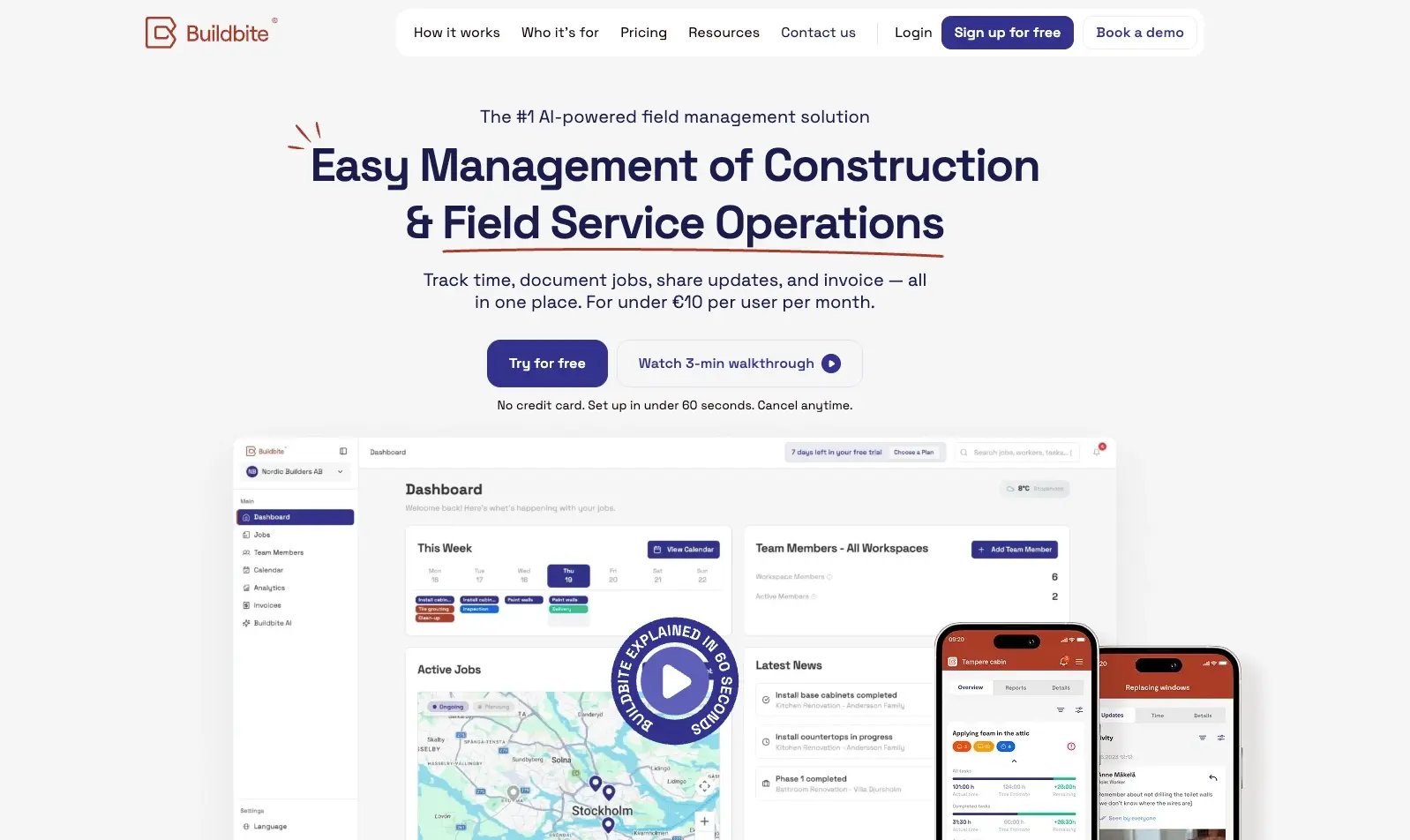
How Buildbite helps general contractors manage everything from one place
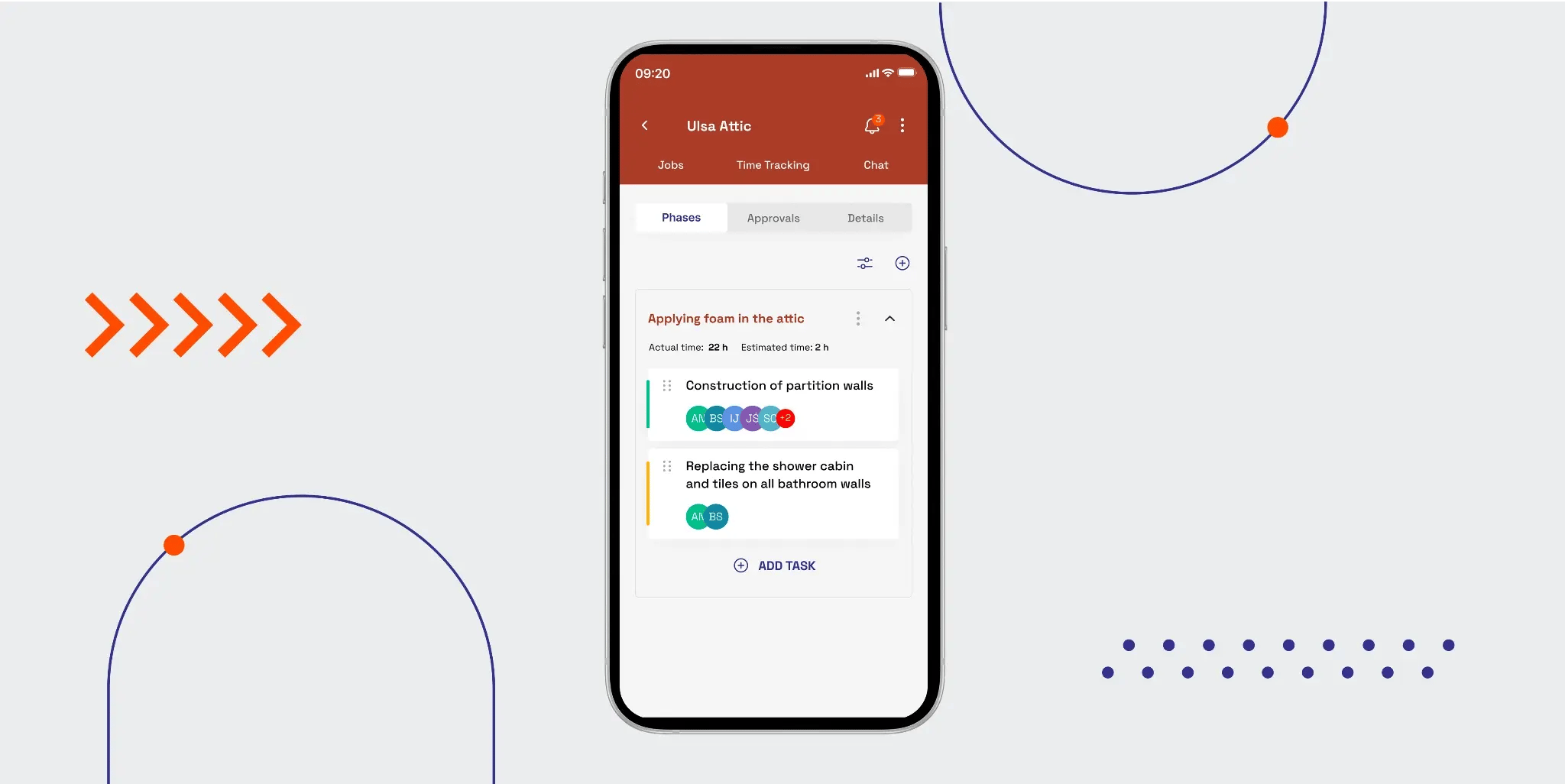
Buildbite organizes every job into workspaces, jobs, phases, and tasks. Every feature, including time tracking, photos, real-time communication, change orders, and client approvals, attaches to a specific task, so a photo taken on-site simultaneously documents progress for the client, supports the invoice, and builds the dispute trail without any re-entry.
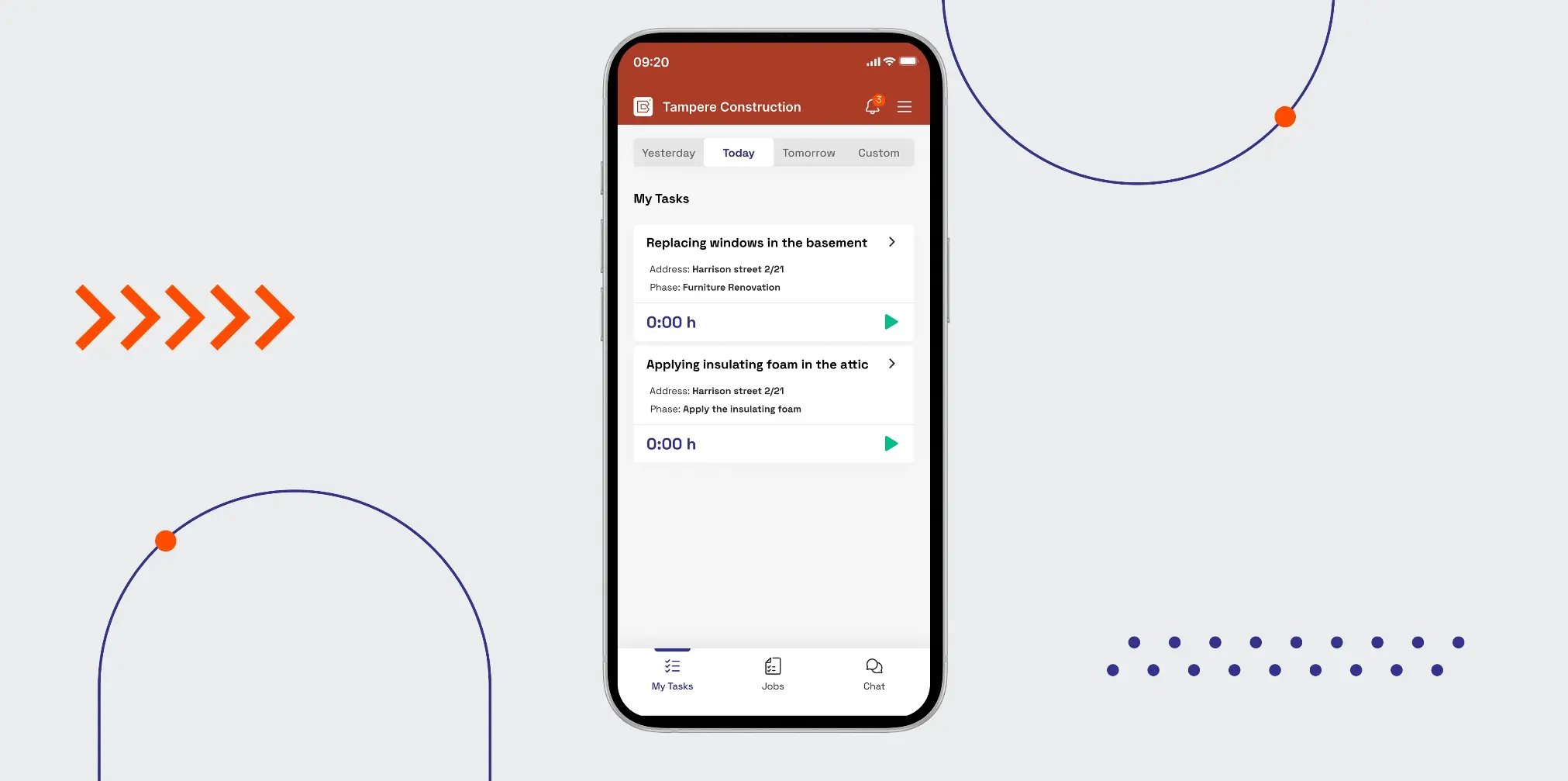
The platform is fully operational in under a day and that makes all the difference for teams used to a three-to-six-month implementation timeline for certain enterprise tools.
Keep the GC and the client on the same page when jobs run across multiple threads
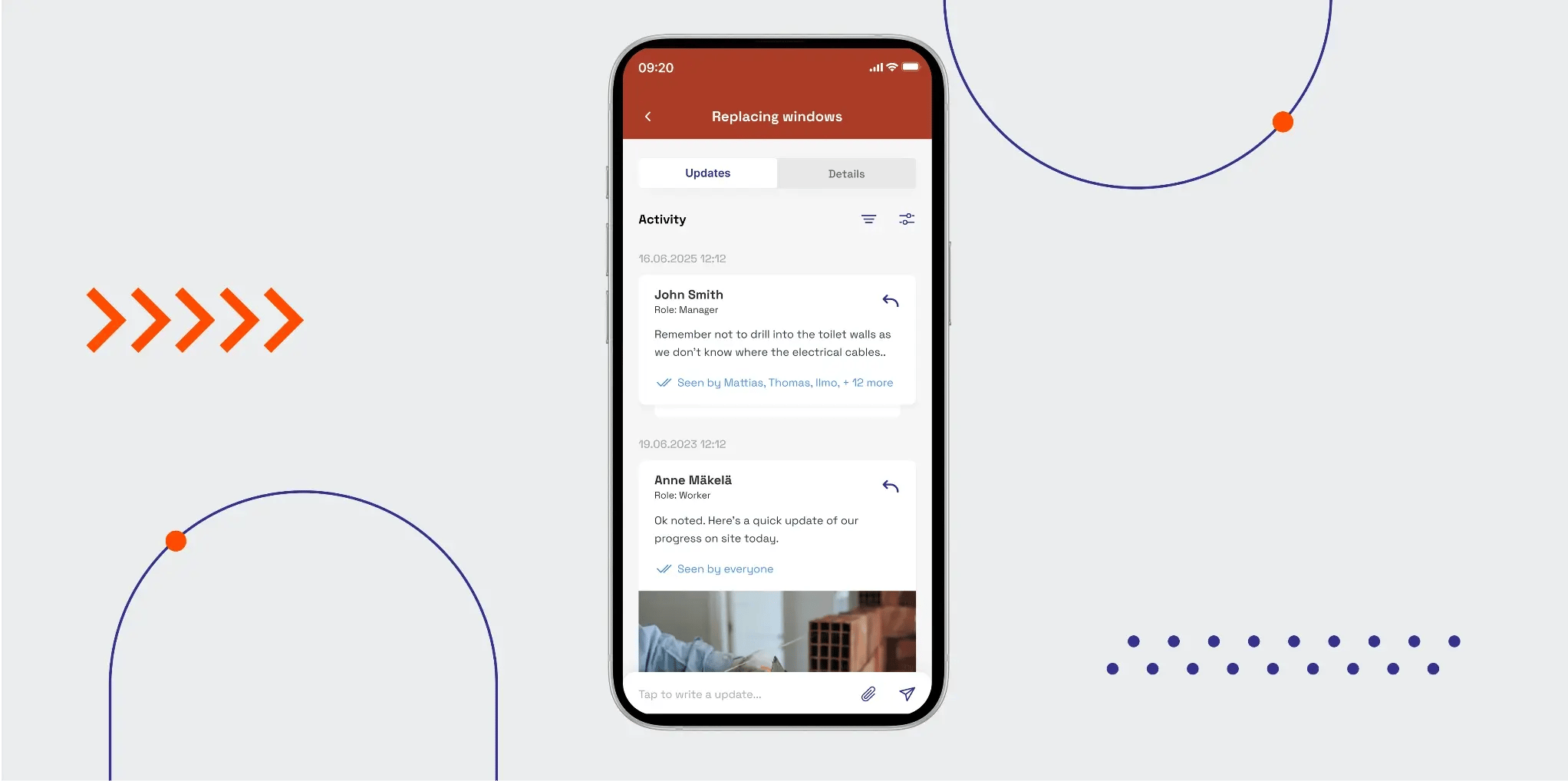
Say you're managing four active jobs, each with its own WhatsApp group and a client calls asking whether the framing on one of your jobs is done. You’d have to scroll back through hundreds of messages across three group chats and it’d still be hard to find a straight answer.
Meanwhile, a subcontractor is waiting on an approval that was buried in the same chain two days ago.
Buildbite helps with communication that stays connected to the job it belongs to.
Here’s how it works.
-
Create a job, break it into phases, and add tasks under each phase. Every message, photo, and update posted to a task stays permanently attached to that task — searchable, retrievable, and tied to a specific piece of work.
-
Field crews see their assigned tasks in a "My Tasks" view filtered by date, so they know exactly what's due today without calling the office.
-
Internal channels keep crew discussions, pricing conversations, and staffing decisions separate from what clients see. Clients access only their project updates and not your margins.
-
Push notifications only go out for relevant updates like when a subcontractor gets notified about their scope or the client sees progress on their job. This way, your foreman doesn’t have to worry about tasks that have nothing to do with them.

When a client asks where things stand, you open Buildbite and show them, because the answer is attached to the task and not lost in a thread.
Contractors using Buildbite report a 75% reduction in daily message volume compared to WhatsApp, because every message goes to the right person about the right job, not to everyone at once.
Most tools sync the GC with either the client or the field crew. Buildbite keeps all four parties, the GC, field crew, client, and subcontractors, updated from the same source. That means you only get to manage one approval trail, one set of photos, one record, not four versions of events.
Record every hour and every approval without chasing anyone for updates
End-of-week timesheet requests can be a lot to deal with off hand. For example, it’s nearly impossible for a worker to try to remember what they did earlier in the week or when a manager follows up three times during the week.
The hours that get logged are not exact records but approximations and they don’t hold up when a client disputes an invoice.
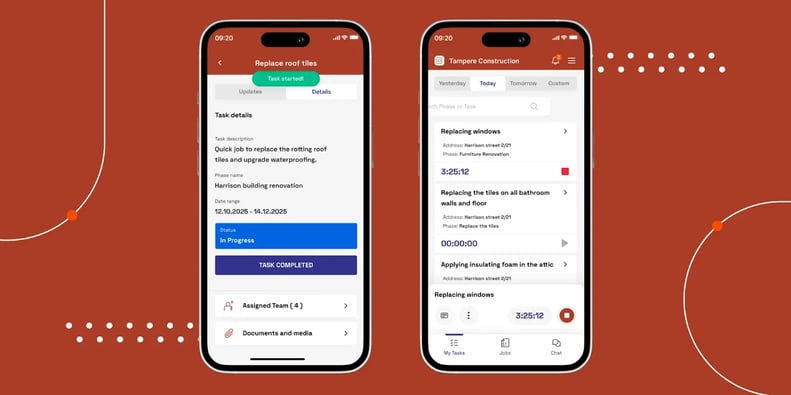
Buildbite removes the chase with time tracking that lives inside the task.
Here’s how it works:
-
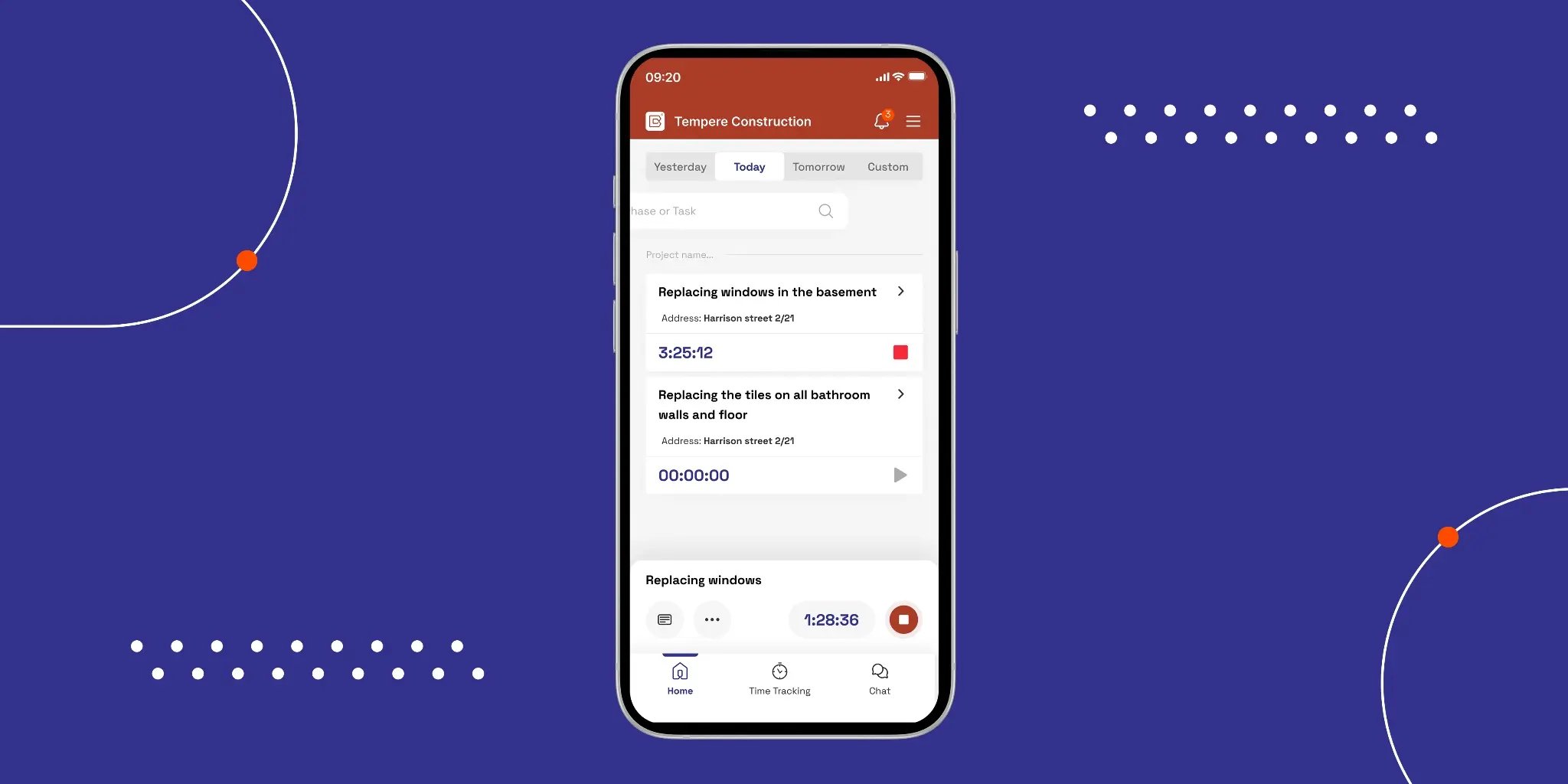
Your workers clock in with one tap directly from the task they're working on. The timer runs against that specific task, not against a general project code or a weekly timesheet filed from memory.
-
Every time log is GPS-verified and timestamped at the moment it happens. Managers see a live overview of logged hours across all active jobs without making a single phone call.
-
When the job is done, verified timesheets are generated automatically and the payroll runs from records.
-
Change order approvals follow the same logic. Every approval is logged with an exact timestamp and authenticated through Signicat, so the paper trail exists whether or not anyone remembers the conversation.
An example that fits this is how Trähus went from billing roughly 50% of hours worked to 95% after switching to Buildbite. The difference was documenting what was already being done, not working harder. That shift also pushed their EBIT margin from 3% to close to 30%.

Capture job data faster, on-site, without error
If one of your workers finishes the rough-in on one phase and the next trade moves in the following day, you need documentation from before that handoff. Three months later, when a client questions whether the work was done to spec, a timestamped photo is the only thing that settles it.
Buildbite captures job data at the moment work happens.
Here’s how it helps you keep track of all work done:
-
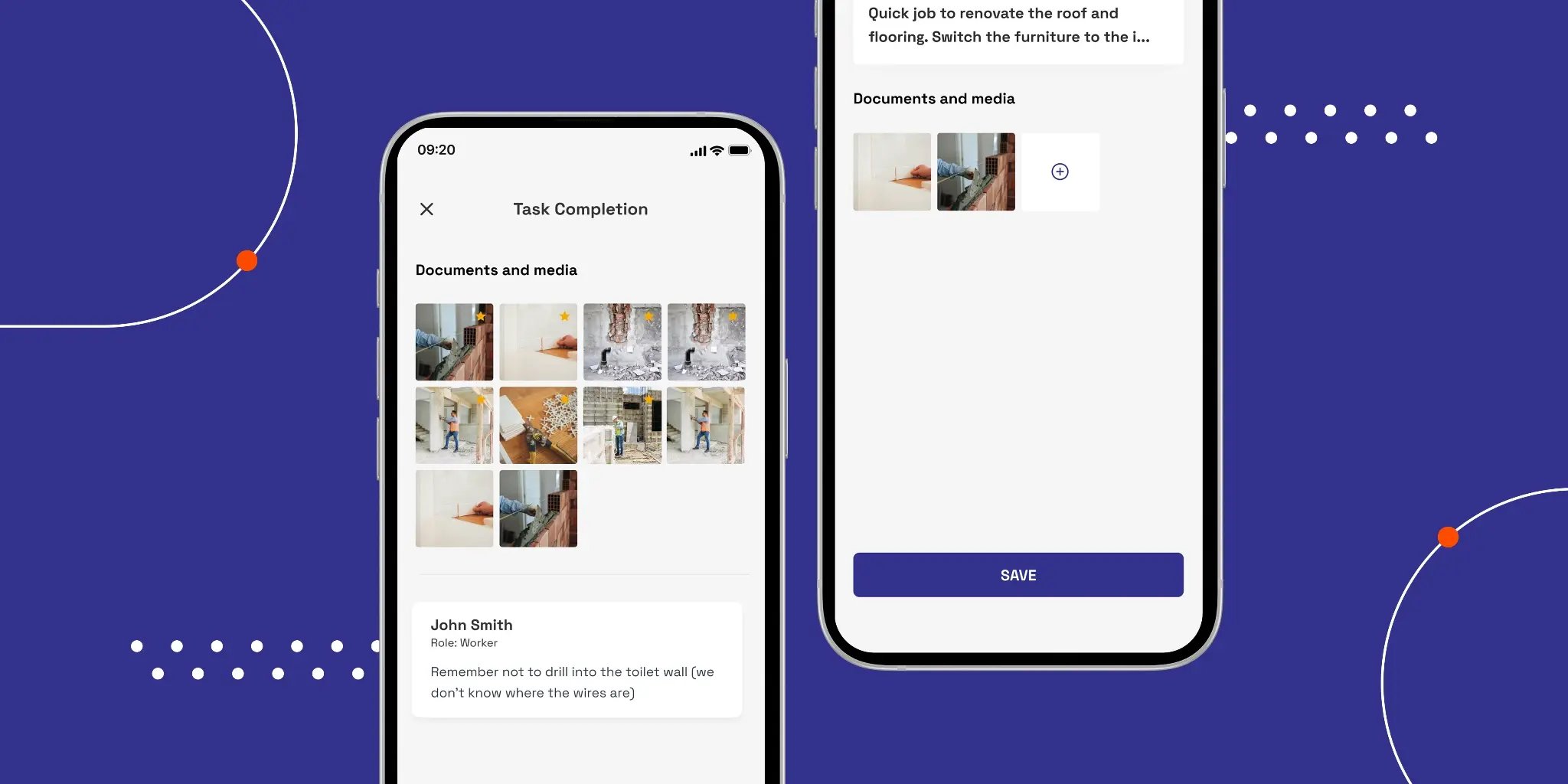
Field crews attach photos and notes directly to the task they are working on. Each photo is automatically tagged with a timestamp, GPS coordinates, and the worker who uploaded it and there’s no manual logging required.
-
Photos attached to a task simultaneously document progress for the client, support the invoice, and build the dispute trail. The same capture serves three purposes without any re-entry.
-
Change requests are converted into documented, trackable tasks in under 90 seconds. A worker photographs the scope change on-site, adds pricing, and submits it for review — all from the mobile app before the conversation with the client ends.
-
The app works offline and syncs automatically when connectivity returns. A crew working in a basement or on a remote site captures everything in real time without waiting for a signal.
If a client questions your work three months later, you can easily pull up the task and show them the timestamped photo to give them clarity.
See where projects are lagging and act before you run over budget
By the time a general contractor finds out a job is running over budget, the damage is usually already done. A trade ran long on one phase, nobody flagged it, and now the next phase is delayed and the client is asking questions.
Buildbite gives you a live view of every job without waiting for end-of-day reports. Here’s how it works:
-
The manager dashboard shows which tasks are active, who is on them, and how actual time logged compares to the original estimate — across all jobs, in real time.
-
Progress indicators flag stalled and at-risk tasks before they hold up the next trade. If one crew is running behind, you know before the next trade shows up to a job that isn't ready for them.
-
Budget and time threshold alerts fire automatically when a task exceeds a predefined limit. You set the trigger and the system tells you when something needs attention, without you having to check manually. These are AI-powered proactive alerts and not manual check-ins. The system identifies patterns and flags risk before you think to look for it.
-
When you adjust a task, every worker assigned to that job receives an instant push notification with the updated schedule. No wasted trips, no idle days from trades showing up to a site that isn't ready for them.
The result is fewer surprises at invoice time, better insight into where time is actually going, and enough visibility to course-correct before a delay becomes a cost overrun.
Start your free 14-day trial. No credit card. No commitments. Cancel anytime.
Start your free 14-day trial →
Key features
- GPS-verified time tracking embedded inside the task, one tap, no separate module
- Photo documentation auto-tagged with timestamp, GPS coordinates, and worker ID
- Change request managementwith Signicat-authenticated client approvals
- Free client portal on every plan, unlimited clients, no per-seat cost
- Real-time multilingual communication with task updates translated to each user's app language
- Offline-first with automatic sync when connectivity returns
- All features are included at every pricing tier; plans differ only by active user count. AI-powered proactive alerts included across all tiers.
Pros
- Mobile-first design built for field crews, simple enough that adoption happens from day one, which is where other tools fall short
- Task-centric architecture means data captured once serves multiple purposes: the same photo documents progress for the client, supports the invoice, and builds the dispute trail, with no re-entry
- Free client portal with legally defensible Signicat-authenticated approvals; most competitors charge extra for this or don't offer it at all
- All-inclusive pricing with no feature gating; plans differ only by active user count
- Offline-first sync for crews working on sites with unreliable signal
- Fully operational in under a day. No three-to-six-month implementation, no dedicated onboarding team required.
- AI-powered coordination and proactive alerts flag risk before it becomes a problem, a capability no competitor on this list matches fully.
Cons
- Not designed for enterprise-scale GCs with BIM workflows; for that audience, Procore or Autodesk Forma might be better fits
- Not an estimating or accounting tool; Buildbite handles field execution and billing, not pre-construction estimating or financial management tool
Pricing
Buildbite’s plans start at $12/user/month (Basic, up to 10 users) and scale to $11/user/month (Standard, up to 25 users) and $10/user/month (Premium, up to 50 users), all with a $59 base fee and the same full feature set on every tier.
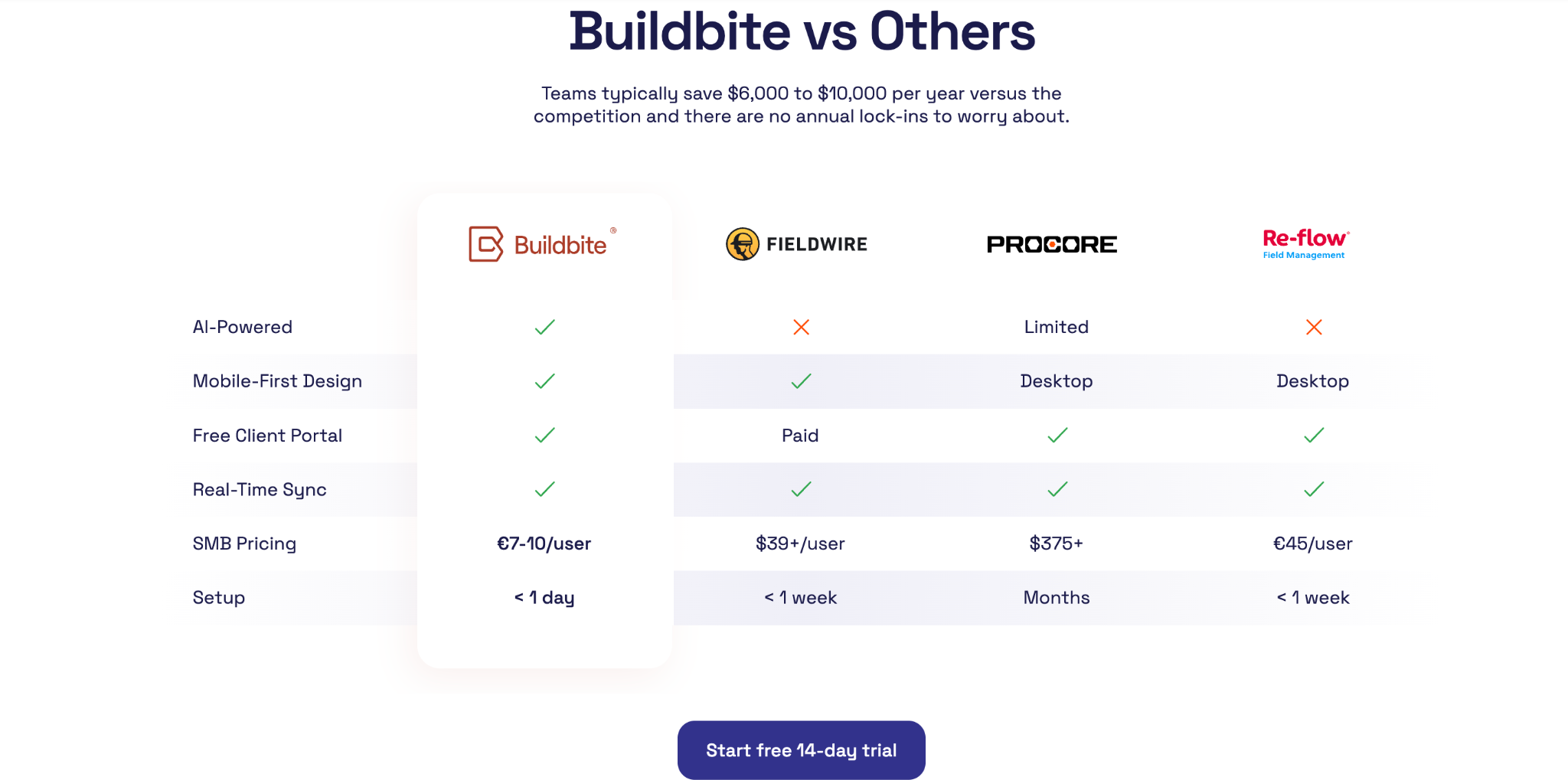
Unlimited clients are included at no extra cost. You can access a 14-day free trial, no credit card required. See the full pricing page or use the ROI calculator to estimate the platform's return on investment for your operation.
What Buildbite’s customers report
Thomas Noreila, CEO of Trahus, was dealing with the same problems most GCs on this list are trying to solve: unbilled hours, documentation gaps, and a billing rate that didn't reflect the work actually being done. After switching to Buildbite, his team's billing rate climbed to 95% of all hours worked, rework fell to 30 hours across 60,000 invoiced hours, photo documentation more than doubled within weeks, and the team saved 2.5 hours per person each day. Full details are in the Trähus case study.
Other Buildbite customers report an electrical contractor recovering EUR 21,000 in previously unbilled labor and a roofing crew seeing a 90% drop in payment disputes. For more on what drives results like these, see how to improve construction productivity.
Start your 14-day free trial today
Start Trial
2. Procore
Procore is the industry benchmark for large-scale GC operations.
Best for: Mid-to-large GCs running $10M+ in annual construction volume who need a comprehensive platform covering RFIs, submittals, BIM coordination, financial management, and safety, and whose operation can absorb a three-to-six-month implementation timeline.
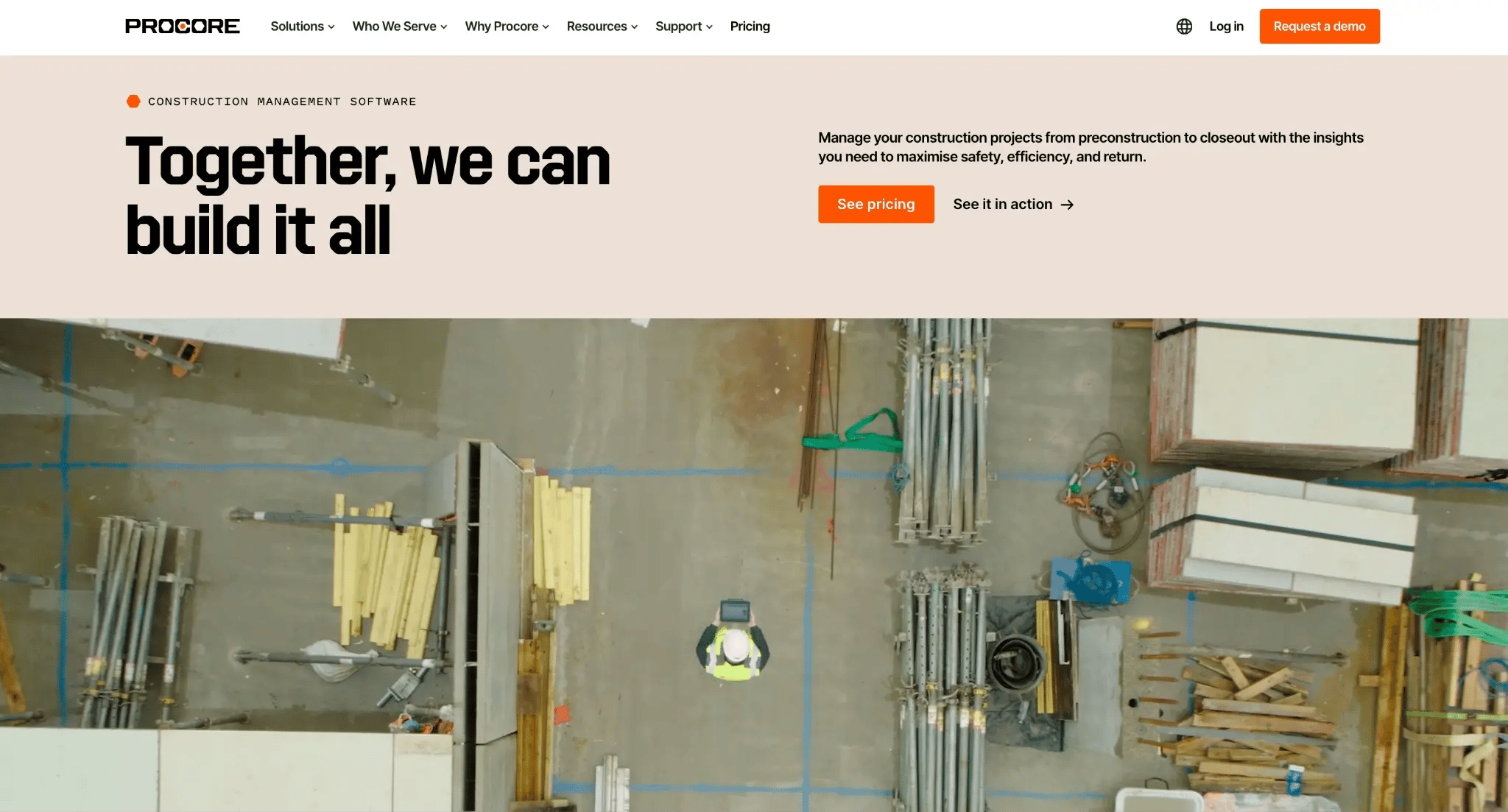
Procore is arguably the most complete construction management platform on this list. It covers the full project lifecycle from preconstruction bidding and budgeting through field execution to closeout documentation, with an app marketplace of hundreds of third-party integrations.
The tradeoff is cost and complexity. Annual contract value typically runs $10K–$60K+, depending on construction volume, and implementation takes three to six months. For a GC running $5M in annual volume, Procore is likely over-engineered and over-priced.
Key features
- Version-controlled document management where every revision is logged and the current version is always traceable
- RFI and submittal workflows with structured approval chains and timestamps
- Budget tracking using cost codes tied to specific line items, with job costing running throughout the project lifecycle
- Quality and safety tools: inspections, incident tracking, compliance checklists
- BIM integration connects model data directly to project workflows
- App marketplace with hundreds of third-party integrations
- Unlimited users across all plans, with subcontractors, consultants, and owners added without increasing per-seat cost
Pros
- Industry benchmark for GCs at $10M+ annual construction volume; widespread adoption means teams are already familiar with the platform onboarding faster
- RFI and submittal workflows include structured approval chains with timestamps, giving project teams a traceable, defensible record for every formal decision
- Hundreds of third-party integrations cover gaps in scheduling, accounting, and reporting without requiring a full platform migration
- Unlimited users on all plans keeps subcontractor and consultant access cost-free
Cons
- Pricing scales with annual construction volume regardless of which modules your team uses
- Implementation typically runs three to six months, which is real overhead for teams without a dedicated onboarding resource
- Many GCs still run Microsoft Project or Primavera alongside Procore for complex scheduling, so it's not a complete replacement
- Not mobile-first, and the cost barrier makes it impractical for most small and mid-sized operations
Pricing
Procore pricing is custom and based on annual construction volume, with no published list price. Reported approximate annual ranges start around $4,500 for lower-volume operations and scale beyond $80,000 for high-volume GCs. Contact Procore directly for a current quote.
Reviews
Rated 4.6/5 on G2 based on 4,102 verified reviews.
Centralized document management and RFI workflows are most often cited in positive reviews, with users reporting fewer costly mistakes because teams always work from the current drawing rather than an outdated version. Many reviewers complain about pricing, describing steep renewal increases and frustration over paying for modules they don't fully use.
3. Buildertrend
Buildertrend is a residential construction platform with a pre-sale CRM built in.
Best for: Residential GCs, custom home builders, and remodelers who manage an active sales pipeline alongside live projects and need selections tracking, client communication, and financial tools in one platform, provided field crews and clients actually adopt the communication tools.
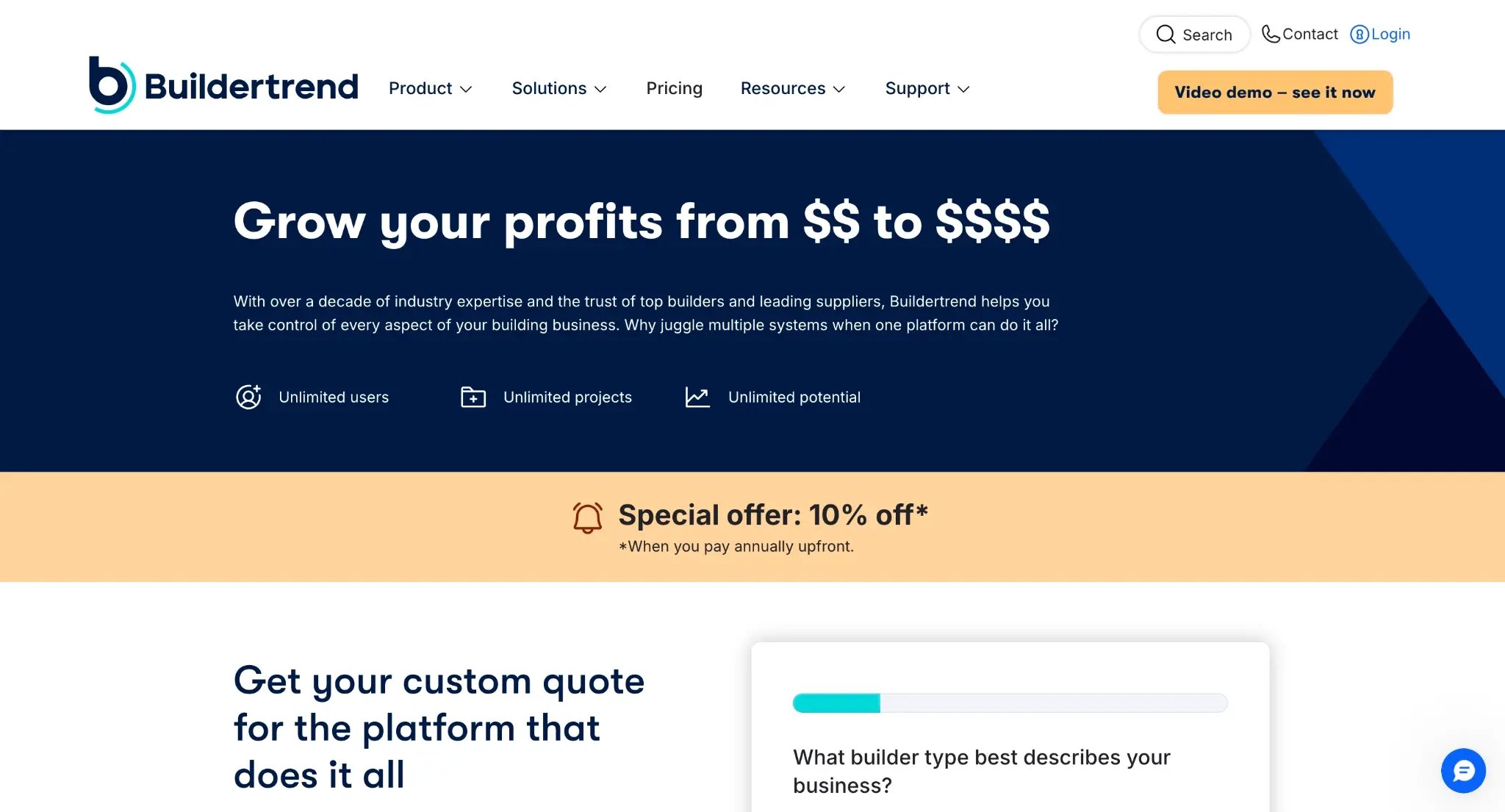
Buildertrend bundles scheduling, client communication, change orders, selections tracking, financial tools, and a pre-sale CRM into one platform designed around the residential build lifecycle.
The pre-sale CRM, with lead tracking, contract drafting, and automated email follow-ups, is the feature that sets it apart from most construction PM tools, which assume the project has already started when you log in. For residential GCs managing an active sales pipeline, that means one less tool to maintain and no gap between winning a job and running it.
Key features
- Pre-sale CRM with lead tracking, contract drafting, and automated follow-up
- Gantt-based construction scheduling software for task and trade sequencing
- Selections tracking for client finishes, fixtures, and materials across build phases
- Digital change order creation and client approval
- Client portal for progress viewing, selections, and communication
- Daily logs: field notes, photos, weather, and crew attendance
- Built-in payment processing (fee applies, see pricing)
- Financial tools: budgeting, job costing, invoicing
Pros
- Selections tracking is purpose-built for the custom home build workflow; no other tool on this list handles client material choices across multiple phases natively
- Pre-sale CRM means the full lead-to-handover lifecycle lives in one platform, removing the need for a separate sales tool
- Unlimited users on all tiers keeps cost predictable as team size fluctuates seasonally
Cons
- Field crew and client adoption of the communication module is a documented, recurring failure point; multiple users report running Buildertrend for PM functions while jobs continue on WhatsApp alongside it, so the fragmentation problem persists even after implementation
- Not designed for commercial general contracting
- QuickBooks Online integration has documented reliability issues, reported as consistently creating accounting errors rather than as an edge case
- Total cost often exceeds the advertised tier once onboarding fees ($400–$1,500) and payment processing charges (2.99% + $0.30 per transaction) are factored in
Pricing
Buildertrend does not publish pricing publicly. You'll need to contact them directly for a quote.
Reviews
Rated 4.2/5 on G2 based on 175 verified reviews.
Selections tracking and the pre-sale CRM get the most praise, with residential contractors crediting both for keeping projects organized from first contact through handover. On the other hand, communication is a recurring source of frustration. Multiple reviewers describe running Buildertrend alongside WhatsApp because their crews and clients never fully adopted the platform's messaging tools.
4. Jobber
Jobber is a strong field service tool, but it is not built for construction project management.
Best for: Small service contractors running high-volume, short-duration jobs — HVAC, plumbing, landscaping, cleaning — where the workflow is quote, schedule, dispatch, invoice.
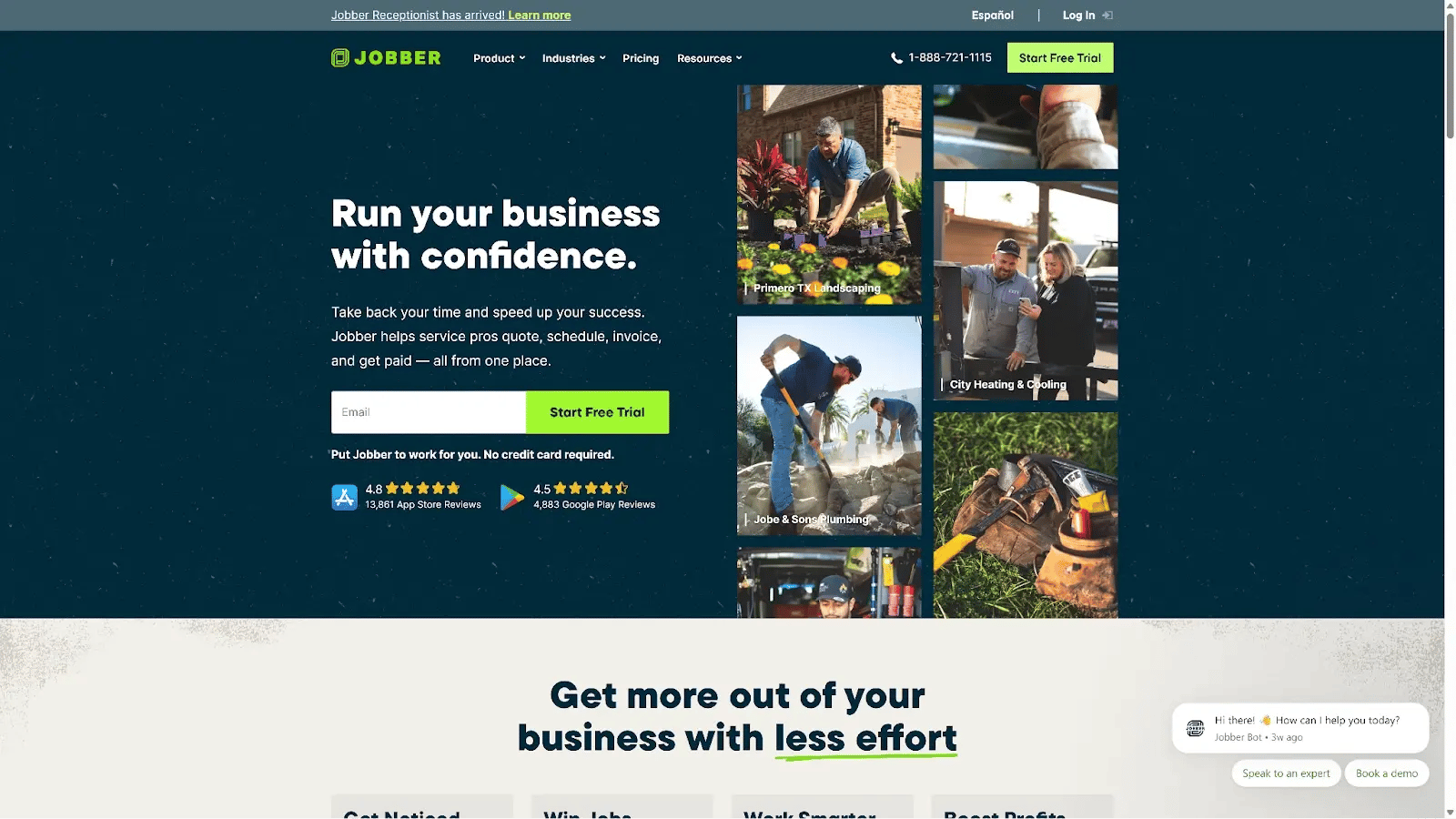
If your primary problem is scheduling, dispatching, and getting paid faster on service jobs, Jobber executes that well.
If you're managing multi-phase construction projects with trade sequencing, change order documentation, and client approvals tied to an audit trail, Jobber doesn't cover that scope.
There's no Gantt scheduling, no RFIs or submittals, no phase-based task management, and no construction-grade change order workflow.
If you want to dive deeper into Jobber, check out our extensive review of Jobber.
Key features
- Drag-and-drop scheduling for daily job dispatch
- Client self-serve booking through a client hub
- GPS tracking for crew visibility during the workday
- Time tracking: crew clock-in/clock-out
- Automated client follow-ups and reminders
- Online invoicing and integrated payment processing
Pros
- 14-day free trial with no credit card, the lowest-friction evaluation path of any tool on this list
- Client self-serve booking cuts inbound call volume for contractors with repeat or recurring clients
- Mobile-first design means field workers receive jobs, navigate, and submit invoices entirely from their phones
Cons
- Not a general contractor software tool; no Gantt scheduling, no RFIs or submittals, no phase management, no multi-trade coordination, no construction-grade change order audit trail
- Per-user pricing with a ceiling of 15 users on the highest published plan creates a hard scale limit for growing operations
- Payment processing fee of 2.9% + $0.30 per transaction adds meaningful cost for businesses invoicing large project values
Pricing
Jobber's plans start at $29/month for one user (Core), scaling to $149/month for five users (Connect Team), $299/month for ten users (Grow Team), and $529/month for fifteen users (Plus). All prices stated are billed annually with a 14-day free trial included.
Reviews
Rated 4.6/5 on G2 based on 491 verified reviews.
Scheduling, invoicing, and the client hub come up most in positive reviews. The client hub, in particular, gets credited with cutting the most admin time. Reviewers push back on trade-specific depth: service agreement management and flat-rate pricing books are the two gaps that come up most for HVAC and plumbing contractors.
5. Contractor Foreman
Contractor Foreman has the broadest feature set at the lowest price point for small GCs.
Best for: Small GCs and subcontractors who need estimating, scheduling, daily logs, time tracking, invoicing, and job costing in one platform at a predictable whole-company price, and who are willing to invest setup time in exchange for breadth at a low cost.
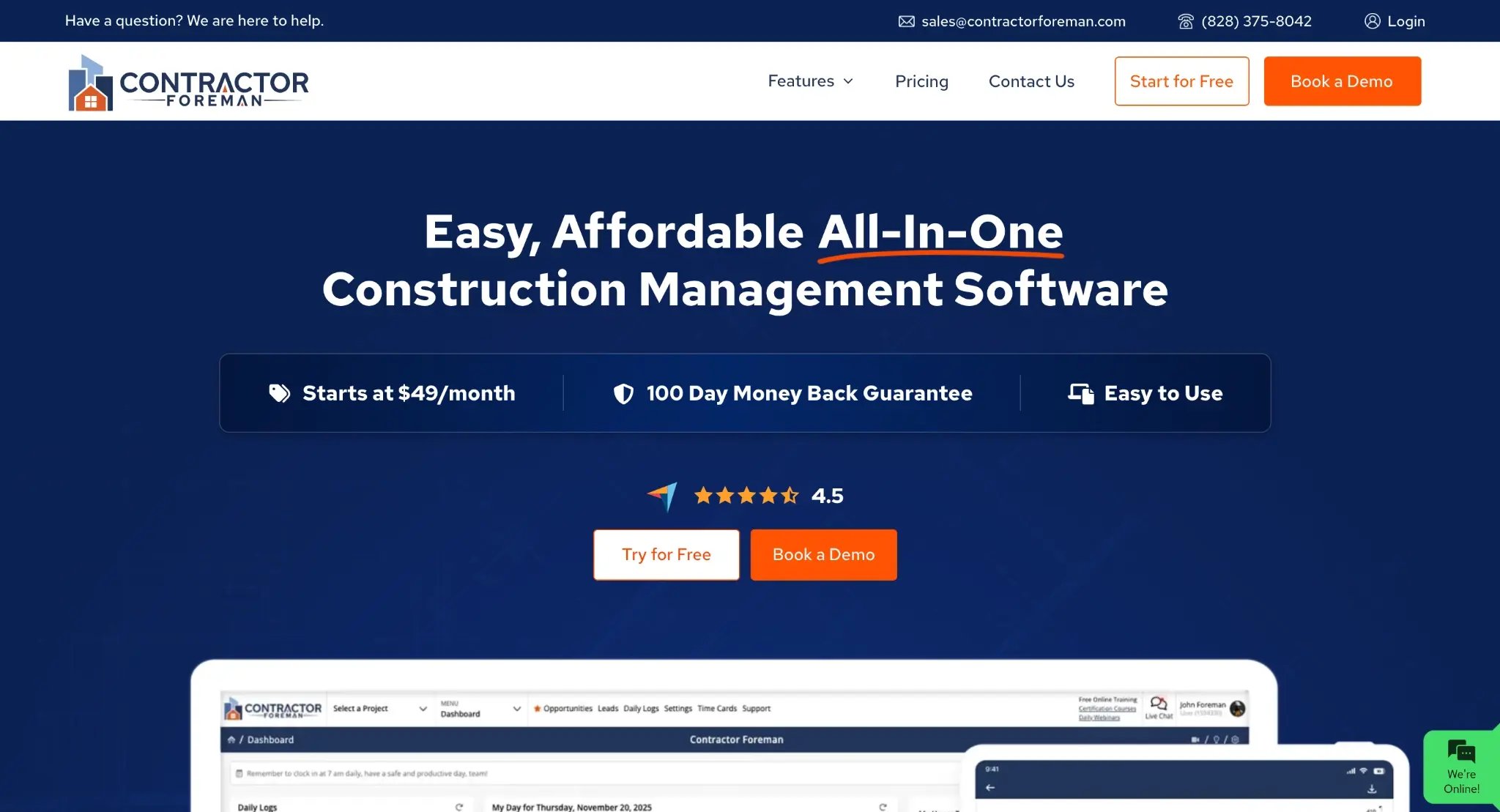
Contractor Foreman covers 50+ features across the construction management workflow, more modules than most platforms at twice the price. The catch is that those features don't sit inside a single connected flow. Users navigate between separate modules rather than moving through a connected workflow, which works for GCs who need a feature occasionally and are comfortable switching contexts, but works less well for field crews who need a consistent mobile experience from day one.
Key features
- Estimating and bid preparation
- Gantt-based and calendar scheduling with weather integration
- GPS-tracked timecards for field workers
- Daily logs: field notes, photos, crew attendance
- Change order management
- Invoicing and job costing against the estimate
- Safety meeting tracking and compliance documentation
- Real-time cost tracking against estimate
Pros
- Whole-company pricing means adding seasonal crew or rotating subcontractors doesn't change the monthly cost, a structural advantage over per-user tools
- 30-day free trial plus a 100-day money-back guarantee on annual plans reduces commitment risk more than most competitors on this list
- Price locked at signup, protecting against the cost escalation that has pushed GCs off platforms like Buildertrend
- Broadest feature coverage at this price point; estimating, scheduling, and job costing are all included at the $49/month entry tier
Cons
- Browser-first with mobile access; the primary interface isn't designed for field crews, which creates adoption friction for GCs whose workers are the primary users
- Modular navigation means users switch between contexts rather than moving through a connected workflow, less cohesive than platforms built around a single architecture
- Client-facing capabilities are limited, with no documented equivalent to a legally defensible approval trail with timestamped client sign-offs
- Feature breadth trades off against depth; GCs with BIM requirements or complex multi-phase scheduling will hit the ceiling
Pricing
Plans range from $49/month for the whole company (Basic) to $332/month for the Unlimited plan. There's no per-user fee on any plan, pricing is locked at signup, and annual plans come with a 100-day money-back guarantee. A 30-day free trial is available before committing.
Reviews
Rated 4.5/5 on G2 based on 361 verified reviews.
Users most commonly praise the breadth of features for the price, with project dashboards, daily logs, and change order documentation cited as standout strengths. The most common complaint is the learning curve when getting started, with some reviewers noting that the platform becomes harder to navigate as updates roll out.
6. JobTread
JobTread is the estimating-to-invoice platform for GCs who need financial clarity on every job.
Best for: Small-to-mid GCs where the core pain is financial, specifically, estimates that don't connect to actual costs and jobs that close without a clear margin picture. Less suited to GCs with formal document control requirements (RFIs, submittals, AIA pay requests).
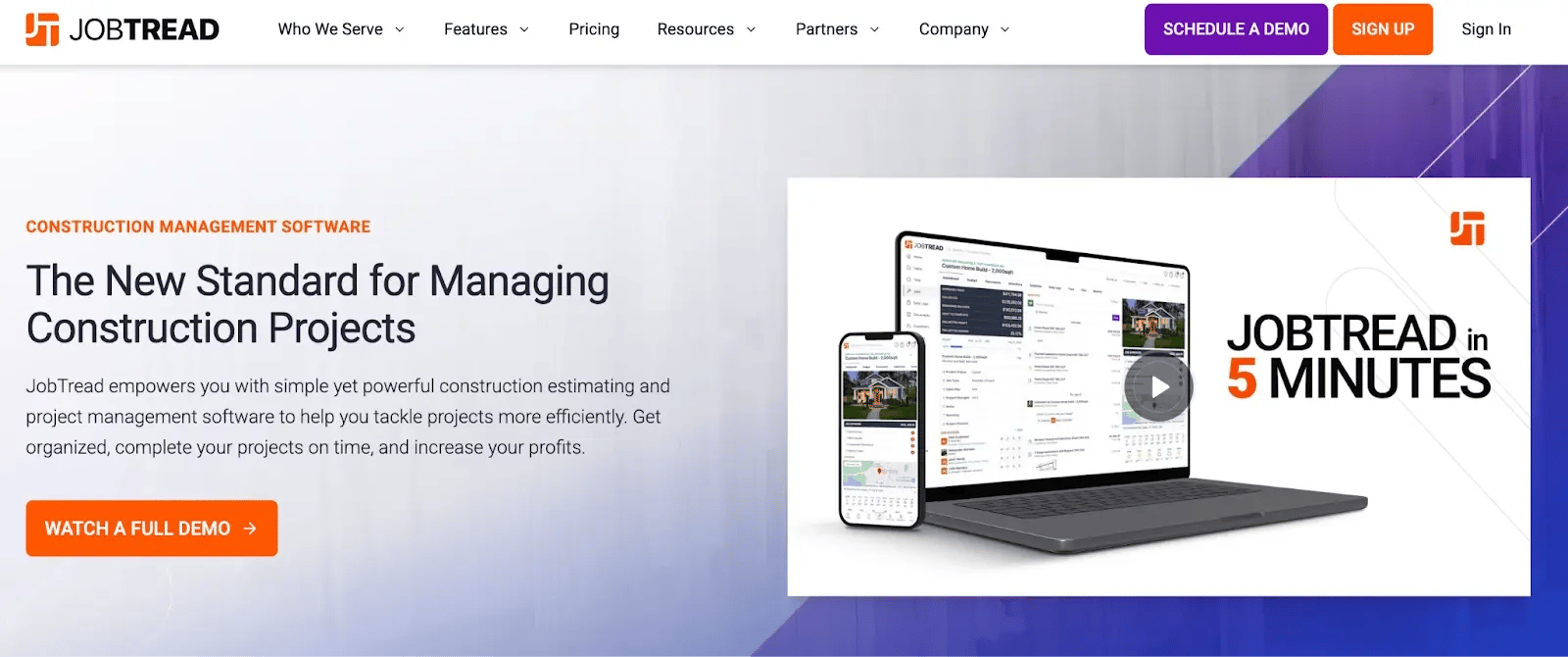
JobTread is organized around one thread: estimate, budget, change orders, and invoice. Every cost change in the field automatically updates the live budget, so GCs who finish projects without being able to explain margin variance have a direct answer to that problem. The platform includes scheduling, daily notes, document management, and client communication, but the financial thread is what gives it an edge.
Key features
- Estimating with line items that flow directly into the live project budget, no re-entry
- Real-time job costing tracked against the original estimate
- Change order management with cost impact tracked against budget automatically
- Project scheduling
- Daily notes and field reporting
- Document management and file sharing
- Client communication tools
- Free view-only access for field crew, customers, and vendors; only office users and PMs require paid seats
Pros
- Direct estimate-to-budget flow removes the manual re-entry step that creates cost discrepancies in platforms where estimating and project management live in separate modules
- Free field crew access for view-only functions means a GC with a large site crew pays only for office and PM seats, a structural cost advantage for operations with a high field-to-PM ratio
- Pricing locked for four years, protecting against the cost escalation documented elsewhere in this list
- Users say the development team is responsive to user feedback and continuously shipping updates
Cons
- No free trial; evaluation requires a purchase commitment before the team has tested the workflow on a live project
- No RFIs, submittals, or AIA pay requests natively, a hard limitation for GCs running commercial projects with formal document control requirements
- Free field crew access is view-only; field workers can't manage task assignments, time tracking entries, or detailed progress documentation directly in the platform
- Per-seat pricing for office staff creates cost growth as the PM team scales
Pricing
JobTread's annual plan starts at $159/month for the first user, with additional internal users at $18/month each. Monthly billing starts at $199/month plus $20 per user. Field crew, customers, and vendors get free view-only access and don't count toward paid seats. All features are included on one plan with no feature gating, and there's no free trial.
Reviews
Rated 5.0/5 on G2 based on 65 verified reviews.
The estimate-to-budget flow and customer support stand out most in positive reviews, with multiple reviewers describing the implementation team as unusually hands-on for a platform at this price point. The main limitation noted is that the platform is still actively developing, which occasionally means keeping up with changes as new features roll out.
7. Autodesk Forma — Best for mid-to-large GCs already in the autodesk ecosystem
Autodesk Forma is the field execution platform for teams where the BIM model is the source of truth.
Best for: Mid-to-large GCs and design-build firms running BIM-heavy projects where design coordination across multiple model versions is the primary operational problem, and where the Autodesk ecosystem (Revit, AutoCAD, Navisworks) is already embedded in how the organization runs projects.
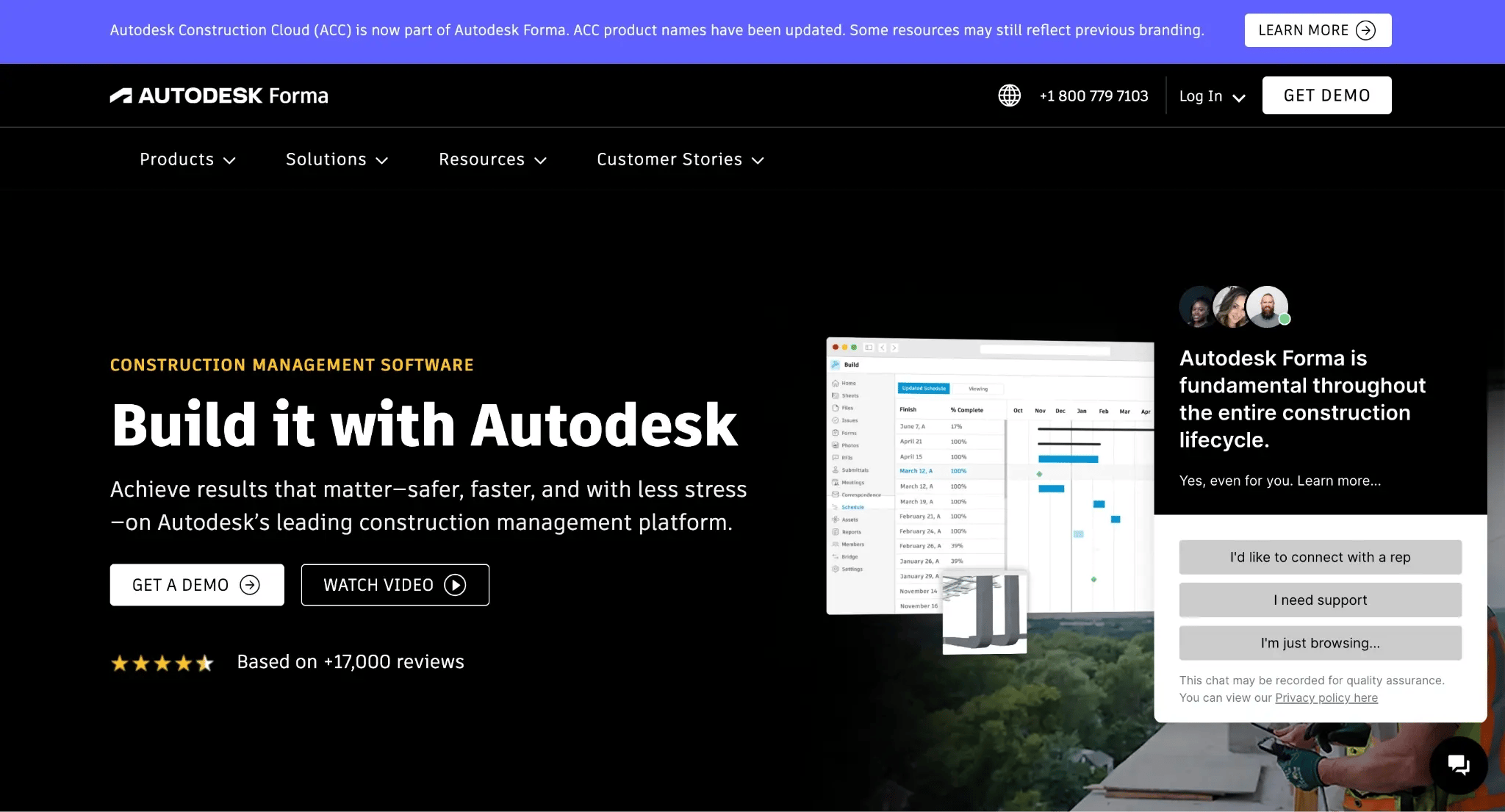
Autodesk Forma (formerly Autodesk Construction Cloud) is a suite of construction management products — including Forma Build for field execution, Forma Takeoff, and Forma Estimate. It’s built around a common data environment where the BIM model is the source of truth. Where other platforms host a PDF of a drawing, Autodesk Forma hosts the live model that generated it, version-controlled and linked directly to field workflows. For GCs who don't work in BIM, there's simply not enough here to justify the cost.
Key features
- BIM coordination: model viewing and issue tracking linked to specific model components
- Version-controlled document management with desktop connector for local file editing and Office 365 integration
- RFIs and submittals with formal approval chains
- Daily logs: photos, field notes, crew attendance
- Issue tracking linked to BIM components
- Punch lists for closeout deficiency tracking
- Project scheduling
- Integration with Revit, AutoCAD, and Navisworks
Pros
- Native BIM integration is unmatched; the live model connection enables design-to-field continuity, no standalone PM tool replicates
- Desktop connector with Office 365 integration makes every file revision traceable without manual version management
- Documented integration with Procore for issue and image syncing, relevant for firms using both platforms at different project stages
- Strong product development track record for design-oriented tooling
Cons
- Cost is difficult to justify unless BIM integration is actively delivering value; for GCs who don't work with BIM models, the platform's core differentiator doesn't apply
- Autodesk Forma doesn't replace accounting; most teams need Sage, Viewpoint, or another external system alongside it
- ERP connectivity to Vista/Viewpoint is documented as difficult to configure reliably in practice
- Teams outside the Autodesk ecosystem face the steepest onboarding of any tool on this list
- Most users pair Autodesk Forma with a separate scheduling tool (Microsoft Project, Primavera) and a separate accounting system, so it functions as one component in a broader stack rather than a standalone solution
Pricing
Autodesk Forma doesn't publish pricing. Contact the sales team directly or request a demo at construction.autodesk.com. Individual products like Forma Build have published per-user rates, but platform pricing for the full suite is custom.
Reviews
Rated 4.4/5 on G2 based on 5,270 verified reviews.
BIM coordination and version-controlled document management get the strongest praise, with reviewers citing real-time collaboration across design and field teams as the platform's clearest differentiator. Where reviews turn critical is onboarding. Several users note that the platform was originally built for engineers, and the field-facing tools still feel less intuitive for on-site crews.
Which General Contractor software is right for you?
If your core problem is fragmented communication and undocumented work, with disputes every invoice cycle and hours that never get billed, choose Buildbite. Every hour logged, photo captured, and change order approved attached to the task it belongs to, so billing disputes have a timestamped, signed record behind them rather than a buried chat thread.
If you're a residential builder managing selections, lead pipelines, and client communication across a full build lifecycle, Buildertrend is a good fit. The pre-sale CRM, selections tracking, and Gantt scheduling are built specifically around the residential build cycle.
If your primary pain is margin visibility, and you need estimates to connect directly to live job costs without re-entering numbers, Try JobTread. The direct estimate-to-invoice flow eliminates manual reconciliation and keeps margin visible across every active job in real time.
If you need a wide feature set at the lowest possible monthly cost, opt for Contractor Foreman. It covers estimating, scheduling, job costing, and change orders at whole-company pricing from $49/month, with a 30-day free trial before committing. The tradeoff is a browser-first interface that works better for office users than field crews.
If you run a small service business, not a general contractor operation, and your main problems are scheduling, dispatching, and invoicing repeat service jobs, think Jobber. It handles that workflow cleanly, but it isn't built for multi-phase construction projects.
Does your operation run at $10M+ annual construction volume and needs RFIs, submittals, and BIM integration? Then, Procore is worth trying.
If you're already in the Autodesk ecosystem, running BIM-heavy projects and need field execution directly tied to the model, Autodesk Forma is the only tool on this list built for that environment.
Not sure which tool fits your operation? See Buildbite in action in a 20-minute demo.
FAQs
What is the best general contractor software for small businesses?
For most small general contractors, Buildbite is the strongest fit. It combines task-centric documentation, GPS-verified time tracking, and a free Signicat-authenticated client portal in a single mobile-first platform priced for teams of 5 to 50. It's also the only platform on this list with AI-powered proactive alerts, fully operational in under a day.
What does general contractor software cost?
Pricing varies widely across tools. Buildbite starts at $12/user/month, with all features included on every plan. Contractor Foreman at $49/month for the whole company, Jobber at $29/month, and JobTread at $159/month for the first user. Procore, Buildertrend, and Autodesk Forma don't publish pricing; all three require contacting sales for a quote, though Procore's reported range typically runs $10K–$60K+/year. Always verify current pricing at each vendor's pricing page before committing.
Is Procore worth it for small GCs?
For most small GCs, no. The cost scales with annual construction volume, and implementation takes three to six months, which is a significant commitment for smaller operations. Purpose-built SMB platforms cover the same core workflow needs at a fraction of the cost and setup time.
Why do construction teams stop using software after they adopt it?
The most common reason is adoption failure, not feature gaps. If field crews revert to WhatsApp within two weeks, the office never gets the data it needs. Tools that succeed are mobile-first, simple enough for crews to use from day one, and don't require teams to run a second system alongside them to fill the gaps.