








When your crew is spread across job sites, the office is usually the last to know what's actually happening. A schedule change gets buried in a group chat, a verbal go-ahead never makes it onto paper, and two hours of a sub's work never reach a timesheet. By the time you invoice on Friday, some of the work you did has gone unbilled.
Mobile workforce management software exists to close that gap. It gives a deskless, on-the-move team one place to schedule work, track time and location, capture what happens on-site, and keep the field and the office in sync in real time.
This guide covers what the software does, how it differs from field service management tools, the features that matter for a small crew, and the nine tools worth comparing in 2026.
TL;DR: Mobile workforce management software at a glance
|
Tool |
Best for |
Standout feature |
Starting price |
|
Small construction/field crews replacing WhatsApp |
Site-to-invoice workflow with free client portal |
14-day free trial, from €10 /user/mo |
|
|
Connecteam |
Deskless teams needing scheduling + time clock + chat |
All-in-one operations/comms/HR app |
Free up to 10 users; paid from $29/mo |
|
Workever |
Trades wanting job management + dispatch |
Drag-and-drop scheduling with invoicing |
From £29 /user/mo |
|
Jobber |
Home-service trades with high job volume |
Quoting, booking, and client communication |
From $39/mo (1 user); to $699/mo (15 users) |
|
Housecall Pro |
Home-service dispatch and payments |
On-the-spot booking and card payments |
Custom Quote |
|
When I Work |
Shift-based hourly workforces |
Fast shift scheduling and swaps |
From $2.50/user/mo (time tracking extra) |
|
Raken |
Construction field documentation |
Daily reports, photos, and safety logs |
Quote-based |
|
SafetyCulture |
Field teams needing inspections, safety & compliance |
Mobile inspections with a huge template library |
Free up to 10 users; Premium $24/user/mo |
|
Procore |
Large GCs with high construction volume |
End-to-end construction management |
Custom quote |
1. Buildbite — Best for small to mid-size crews replacing WhatsApp

Buildbite is a mobile-first job platform built for small and mid-sized construction and field service companies. It runs the whole job lifecycle in one place, from quote to paid: scheduling, time tracking, photos, chat, approvals, and invoicing all attach to the specific job they relate to.
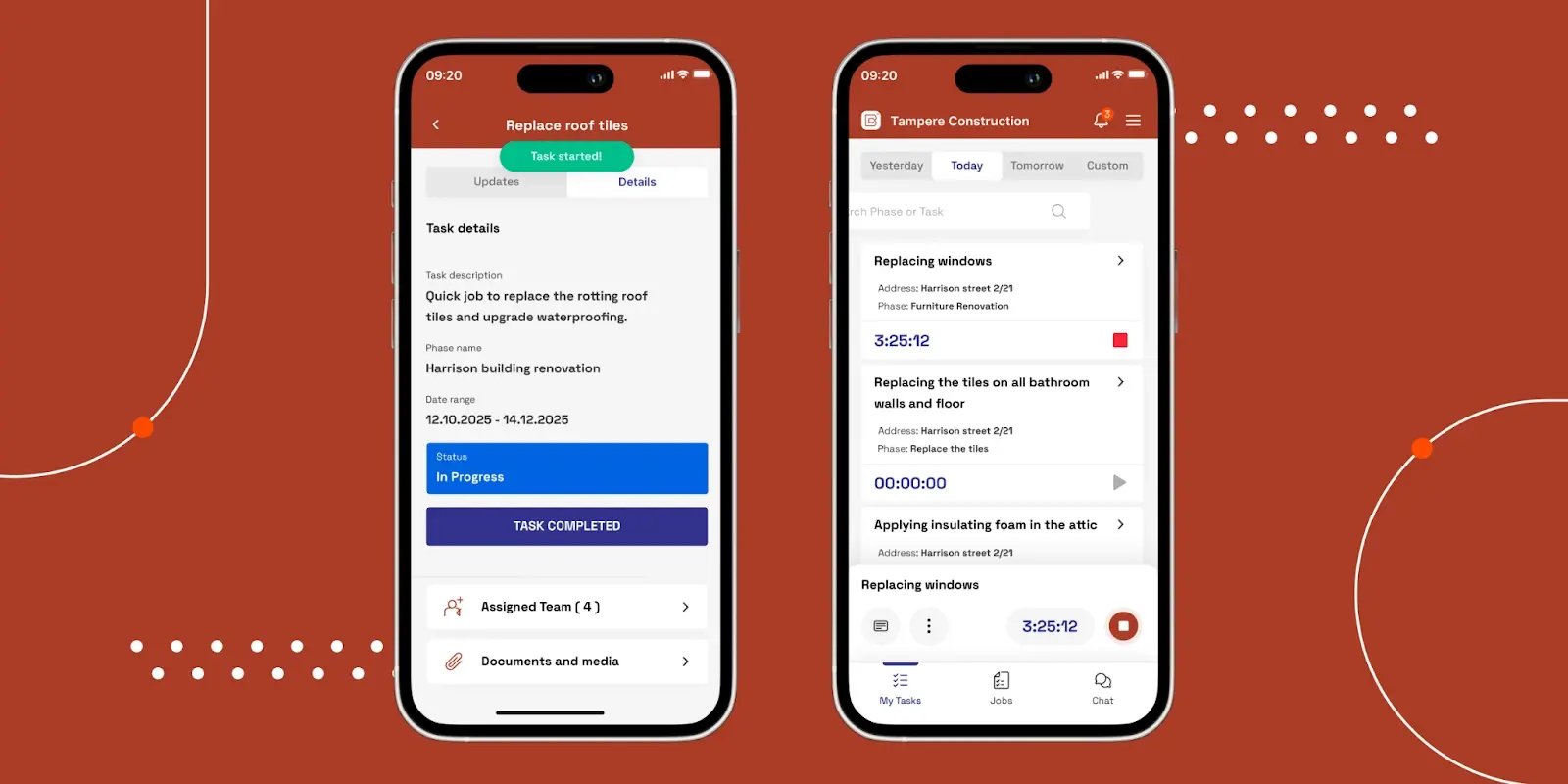
Crews and subcontractors work from a native mobile app (iOS/Android), the office runs everything from a web dashboard that stays fully in sync with the field, and each client gets a free login scoped to just their job. It's trusted by 2,000+ teams, with a strong base across the Nordics.
How Buildbite Supports Mobile Workforce Teams
Field teams usually lose money on work that never makes it onto an invoice: the verbal change order nobody wrote down, the photo proof of completion sitting in a camera roll with no date attached, or the status update that only exists in a WhatsApp thread no one can search later.
Buildbite fixes this at the task level. A worker clocks in inside a task with one tap, attaches a photo, and any change order is documented and client-approved before the work starts. Managers see all of it land on the dashboard in real time, with scheduling visible at every level (daily and weekly, by team or by individual worker, by site or by job), so nothing depends on someone remembering to send an update.
By the time you invoice, the record is already there. Every invoice line is backed by clocked time, photos, and in-thread approvals, then exported natively to your accounting tool (Fortnox, Visma, Xero, QuickBooks, and others).
That's how Trähus reached a 95% billing rate while cutting admin time in half.
Read the full Trähus case study here →
The free client portal closes the loop: clients get a login scoped to their own job, track progress, see updates and reports, and approve changes in-thread, which cuts the daily status call and gets invoices signed off faster.
Key Features
- Phase-based projects: break each job into phases and tasks, with scheduling on the daily/weekly, team/worker, and site/job level
- End-customer involvement: photos, updates, and in-thread approvals with the client, standard on every plan at no extra cost
- One-tap time tracking: clock in inside each task; hours roll up to invoicing, payroll, or job costing
- Real-time documentation: photos, notes, and materials logged in each job, visible as the work happens
- Real-time field updates: role-aware in-app and push notifications keep clients and crew aligned without a group-chat firehose
- Quote-to-invoice flow: branded quotes with online approval feed an end-to-end flow through field execution to invoicing and follow-up
- Free client plan: clients track progress, approve changes, and view invoices on a free login, no paid seat required
- All-in-one, with separation of business and private: no more WhatsApp mess
- Multilingual crews: mixed crews can each work in their preferred language
- Branding and customization included
Pricing
Buildbite offers a 14-day free trial for up to 10 users with all features.
Every paid plan includes all features; plans differ only by user count and the per-user rate, which drops as the team grows. Each plan carries a flat €49/month base fee plus a per-user charge. Every plan includes unlimited projects and workspaces, unlimited clients, unlimited time tracking, and 10GB storage.
|
Plan |
Included users |
Monthly price |
|---|---|---|
|
Basic |
10 |
€149 |
|
Standard (most popular) |
25 |
€274 |
|
Premium |
50 |
€449 |
More than 50 users: talk to sales. No annual lock-in, cancel anytime.
Ready to stop rebuilding your week from memory? Start your free 14-day trial and see how much admin disappears when time, photos, and change orders move from site to invoice automatically. No credit card required.
2. Connecteam — Best for deskless teams that need scheduling, time clocking and chat
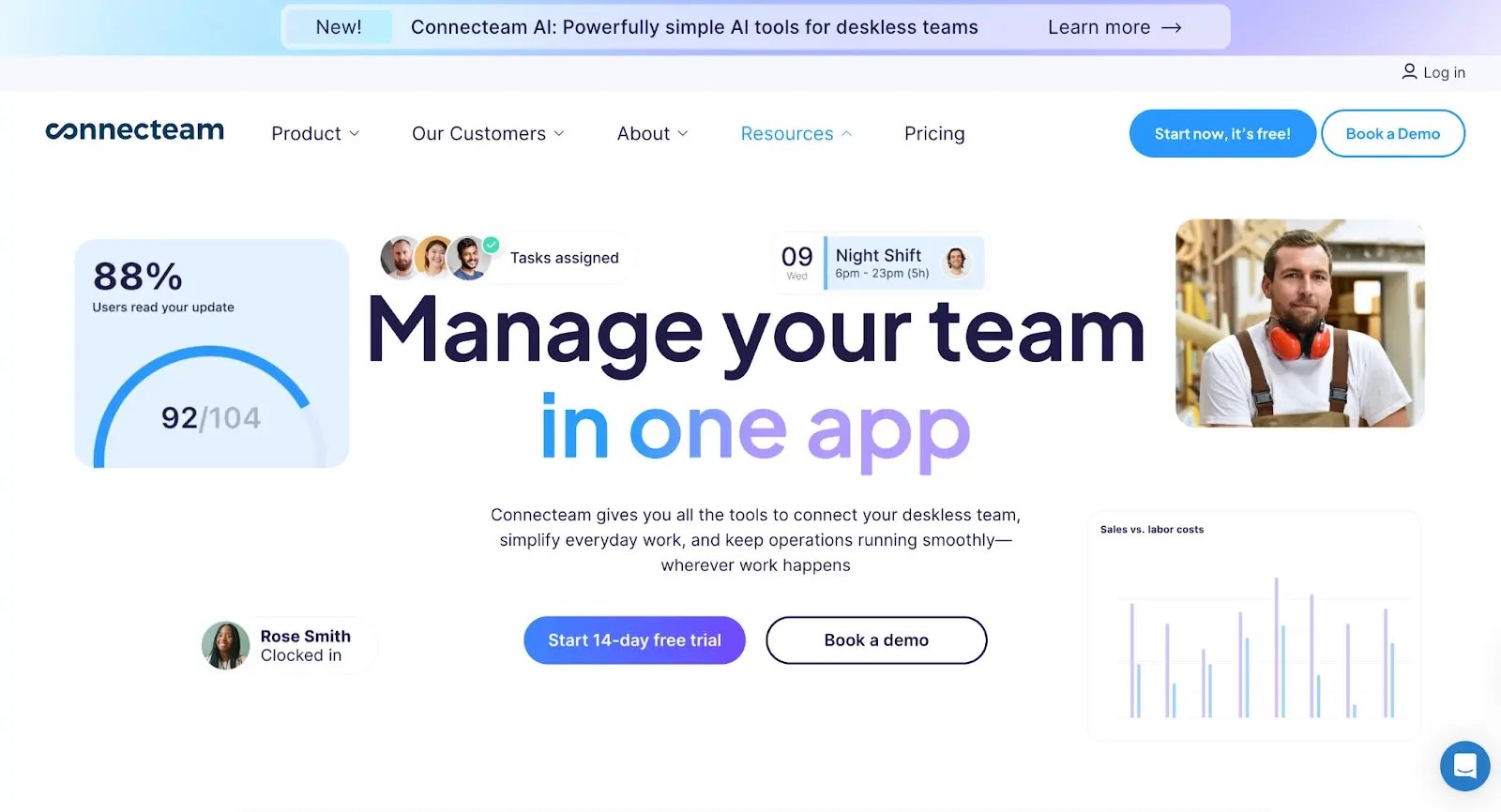
Connecteam is an all-in-one app for deskless teams, covering shift scheduling, a GPS time clock, task checklists, forms, and team chat in one mobile interface. It connects to Gusto, QuickBooks, Xero, Paychex, and Google Calendar, with Zapier for everything else.
How Connecteam Supports Mobile Workforce Teams
Most small deskless businesses run on a group chat, a spreadsheet, and a lot of phone calls, which means a missed shift, a wrong timesheet, or an untrained new hire all trace back to the same root cause: nothing is in one place.
Connecteam puts it in one place. Employees clock in, check their schedule, swap shifts, complete checklists, and message the team from the same app. Managers see attendance, hours, and task completion from one dashboard. The platform splits into three hubs (Operations, Communications, HR), so a business can start with just scheduling and time tracking and add training or HR tools later without switching platforms.
Key Features
- GPS time clock with geofencing: Mobile clock-in with location enforcement to prevent buddy punching and off-site clock-ins.
- Employee scheduling: Drag-and-drop shift building with templates, auto-scheduling by availability, and employee-managed swap and time-off requests.
- Task management and digital checklists: Assign tasks with due dates; employees complete digital forms on site with real-time completion tracking.
- Team chat and communication hub: Direct and group messaging, announcements, surveys, and a searchable knowledge base for SOPs.
- Training and onboarding modules: Assign courses with quizzes and track completion, useful for compliance-heavy industries and seasonal workers.
- HR tools: Time-off management, shift swap approvals, document storage, and employee profiles in one place.
- Payroll integrations: Direct timesheet exports to Gusto, QuickBooks, Xero, Paychex, and ADP.
- Breadcrumbs location tracking: Continuous in-shift location tracking, available on Expert plan only.
Limitations
- Not construction-specific: no phase-based job costing, change-order workflow, or photo documentation tied to a task
- No client project portal
- Continuous location tracking is gated behind the $99/month Expert plan
- Each hub is priced separately, so combining all three costs more than it first appears
Pricing
Prices below are per hub (Operations, Communications, or HR & Skills), billed annually, and cover the first 30 users. Teams needing all three hubs pay each separately. 14-day free trial available for paid plans.
- Free: Up to 10 users, full feature access
- Basic: $29/month for the first 30 users (annual billing); $0.50/user/month above 30
- Advanced: $49/month for the first 30 users
- Expert: $99/month for the first 30 users
- 14-day free trial available
Reviews
3. Workever — Best for trade teams that want job management and dispatch in one system
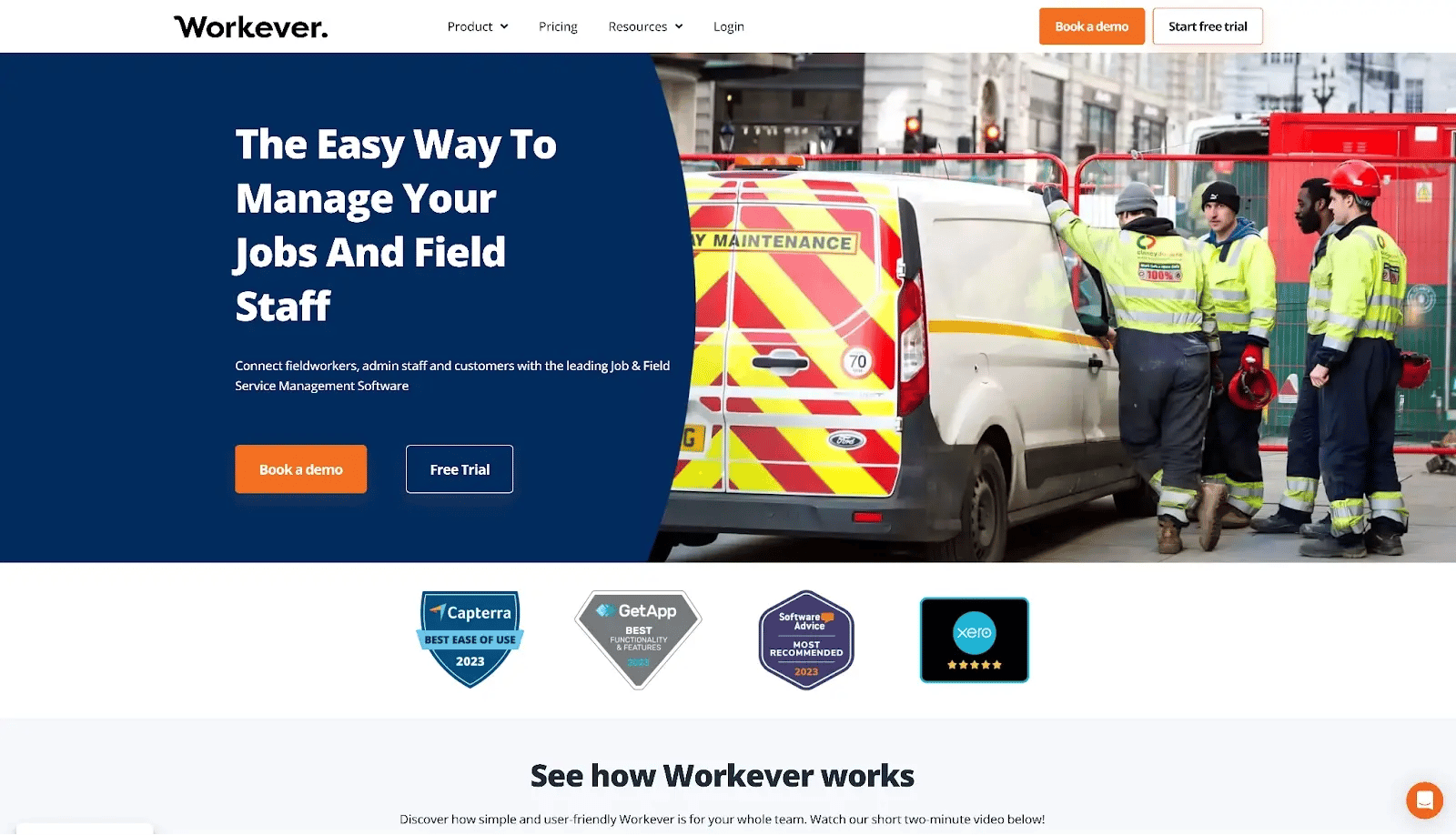
Workever is field service and job management software for trades and mobile teams. It handles scheduling, dispatch, quotes, invoices, GPS location tracking, and a customer self-service portal, and it links to accounting tools like Xero.
How Workever Supports Mobile Workforce Teams
For electricians, plumbers, and maintenance businesses that dispatch workers to customer addresses, the admin cost is rarely in any single task. It is in the handoffs: the quote re-entered manually as a job, the job report emailed separately from the invoice, the signature collected on paper that nobody can locate two weeks later.
Workever closes those gaps in one platform. The office assigns jobs via drag-and-drop and tracks workers live on a GPS map. The technician captures photos and a digital signature on site, the system assembles a branded report, and that report feeds straight into invoicing through a Xero integration. The job moves from booked to billed without anyone re-entering data.
Key Features
- Drag-and-drop job scheduling: Assign jobs to workers in one move; changes push to the worker's phone immediately.
- Live GPS tracking: Real-time map of every field worker's location visible from the dispatch dashboard.
- Quoting and invoicing: Jobs move from quote to work order to invoice inside the same system, with Xero syncing billing data automatically.
- Digital job reports: On completion, the system generates a branded client report with photos, a digital signature, and optional cost breakdowns.
- Customer self-service portal: Clients view job status, access quotes and invoices, and make electronic payments without calling the office.
- Timesheets and role-based access: Workers log hours via the app; permissions control what each user can see and do.
- Purchase order management: Materials and supplier orders tracked against specific jobs.
- Reporting: Reports by job, quote, invoice, or staff member, exportable in CSV or XLS.
Limitations
- Per-user pricing climbs as headcount grows across office and field roles
- Schedule view shows only two weeks at a time without a saved custom view
- Better suited to recurring service calls than multi-week construction projects; no phase-based job costing or change-order workflow
- Initial setup takes time to learn
Pricing
- Base: £29/month per user
- Ultimate: £39/month per user
- 30-day free trial available
Reviews
4. Jobber — Best for high-volume home service jobs
.webp?width=1600&height=952&name=jobber%20(1).webp)
Jobber is field service software for home-service businesses, covering quoting, scheduling, dispatch, client communication, invoicing, and payments. More than 250,000 home-service pros use it, and it integrates with QuickBooks Online, Zapier, and a large app marketplace.
How Jobber Supports Mobile Workforce Teams
High-volume home-service businesses have two friction points that eat the day: keeping techs moving efficiently between jobs, and keeping customers informed enough that they stop calling to ask where their technician is.
Jobber handles both. Route optimization keeps the daily schedule tight. The Client Hub handles everything client-facing automatically: booking confirmation, reminder, arrival notification, and invoice, without anyone in the office manually sending a message. Technicians log time, capture photos, and collect payment entirely from the mobile app. With 250,000-plus businesses on the platform, it is the most proven option in this segment.
Key Features
- Scheduling and dispatch: Drag-and-drop calendar with five views including a map view; reassignments push to the technician's phone instantly.
- Quoting and job conversion: Approved quotes convert to jobs automatically with no re-entry.
- Client Hub: Self-service portal where clients approve quotes, view job status, pay invoices, and access service history.
- Online booking: Website widget for 24/7 client self-booking; requests flow into the dashboard for confirmation.
- Route optimization: Suggests the most efficient daily job order to reduce drive time.
- Time tracking: Per-job time logging from the mobile app, feeding invoicing and labour cost reporting.
- Invoicing and payments: Field invoicing with card payment via Jobber Payments, Stripe, or Square; QuickBooks Online sync on Connect and Grow plans.
- Automated customer communication: Two-way texting, appointment reminders, and post-job follow-ups run on autopilot.
Limitations
- No native photo documentation tied to a task; documentation-heavy trades typically need a CompanyCam subscription on top ($79+/month)
- Per-user pricing becomes expensive past around 30 technicians
- Reporting lacks customisation depth for businesses that need detailed cost analysis
- Not designed for multi-week construction projects with phases, subs, or change-order workflows
Pricing
Individual plans (monthly, no commitment):
- Core: $39/month (1 user)
- Connect: $119/month (1 user)
- Grow: $199/month (1 user)
Team plans (monthly, no commitment):
- Connect Team: $169/month (5 users)
- Grow Team: $349/month (10 users)
- Plus: $699/month (15 users)
14-day free trial available. Additional users beyond each plan's cap are $29/user/month
Reviews
5. Housecall Pro — Best for home service dispatch and payments
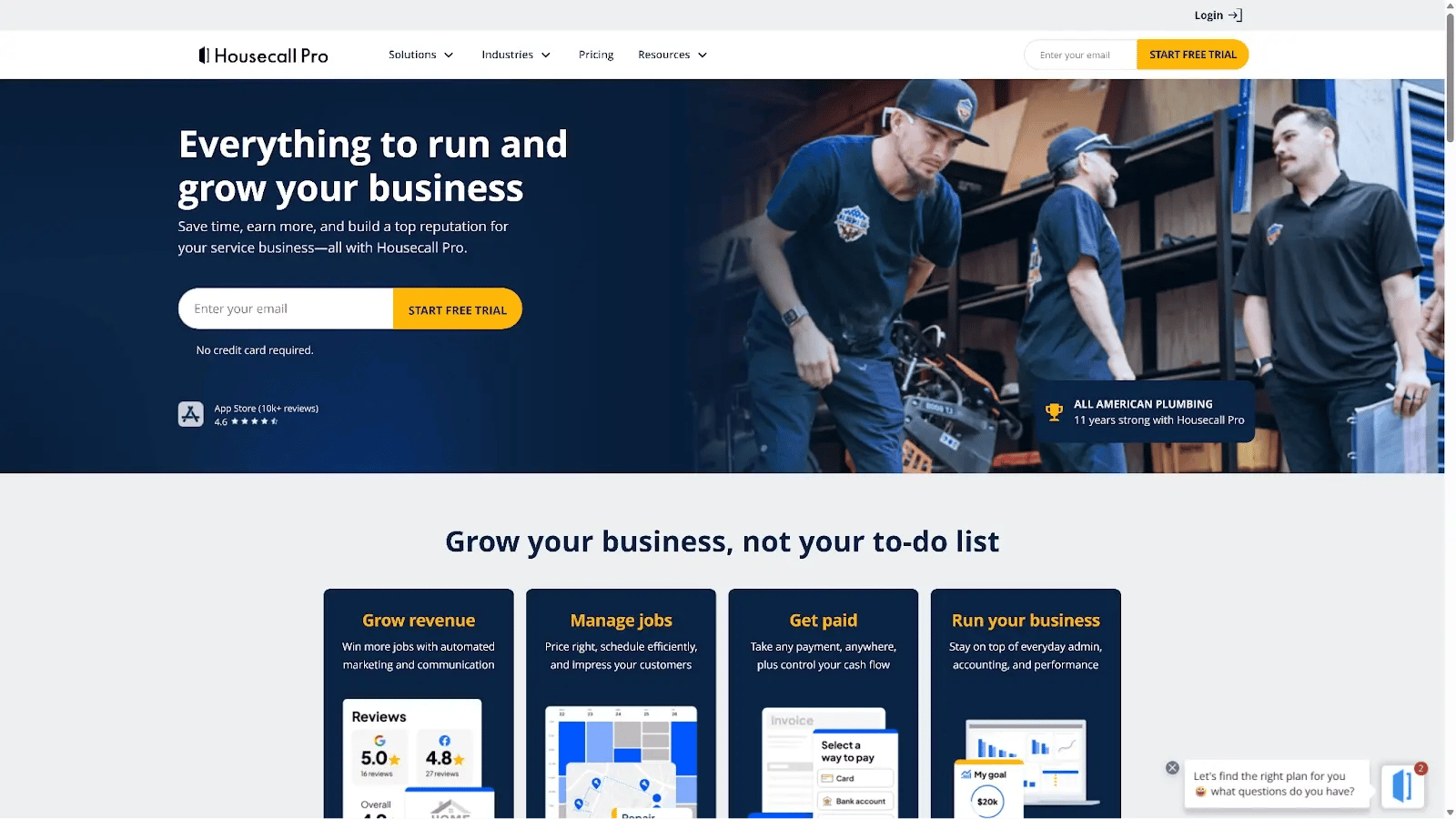
Housecall Pro is an all-in-one home-services platform used by 45,000-plus businesses for scheduling, dispatching, estimates, invoicing, and taking payment in the field. It pushes data to QuickBooks and Google Calendar and includes automated review requests.
How Housecall Pro Supports Mobile Workforce Teams
On Housecall Pro, a customer books, a tech gets dispatched, the job gets done, and the business gets paid the same day. The entire platform traces back to that sequence. Booking, dispatch, automated customer updates, on-site payment, and a post-job review request all run without anyone in the office manually triggering them. For businesses where that loop is the whole operation, it executes it better than most.
Key Features
- Online booking: Website widget for 24/7 client self-booking; requests land in the dashboard for confirmation.
- Drag-and-drop dispatch board: Assign and reroute jobs between technicians; the technician's app updates immediately.
- Automated customer communication: Booking confirmation, appointment reminder, "On My Way" text, and post-job follow-up all fire automatically.
- In-field invoicing and payments: Technicians invoice on site and accept card payments via app or card reader.
- Estimates and quoting: Branded digital estimates; approvals convert to jobs automatically.
- Customer CRM: Contact info, property details, job history, and saved payment methods accessible to techs before arrival.
- GPS tracking: Real-time technician location for the dispatch office; Essentials plan and above only.
- Review generation: Automated post-job messages prompt customers to leave Google and Facebook reviews.
- Offline functionality: Job details, photo capture, signatures, and payment recording work without connectivity.
Limitations
- GPS and QuickBooks are gated behind Essentials ($149/month); the $59 Basic plan omits both
- Add-ons push the effective cost 30–50% above the advertised headline price
- No change-order workflow, subcontractor management, or phase-based job costing
- Support on lower tiers is chat-only
Pricing
Housecall Pro does not display pricing on their website. Plans are available on a monthly or annual basis with no contracts. A 14-day free trial is available.
Reviews
6. When I Work — Best for shift-based hourly workforces
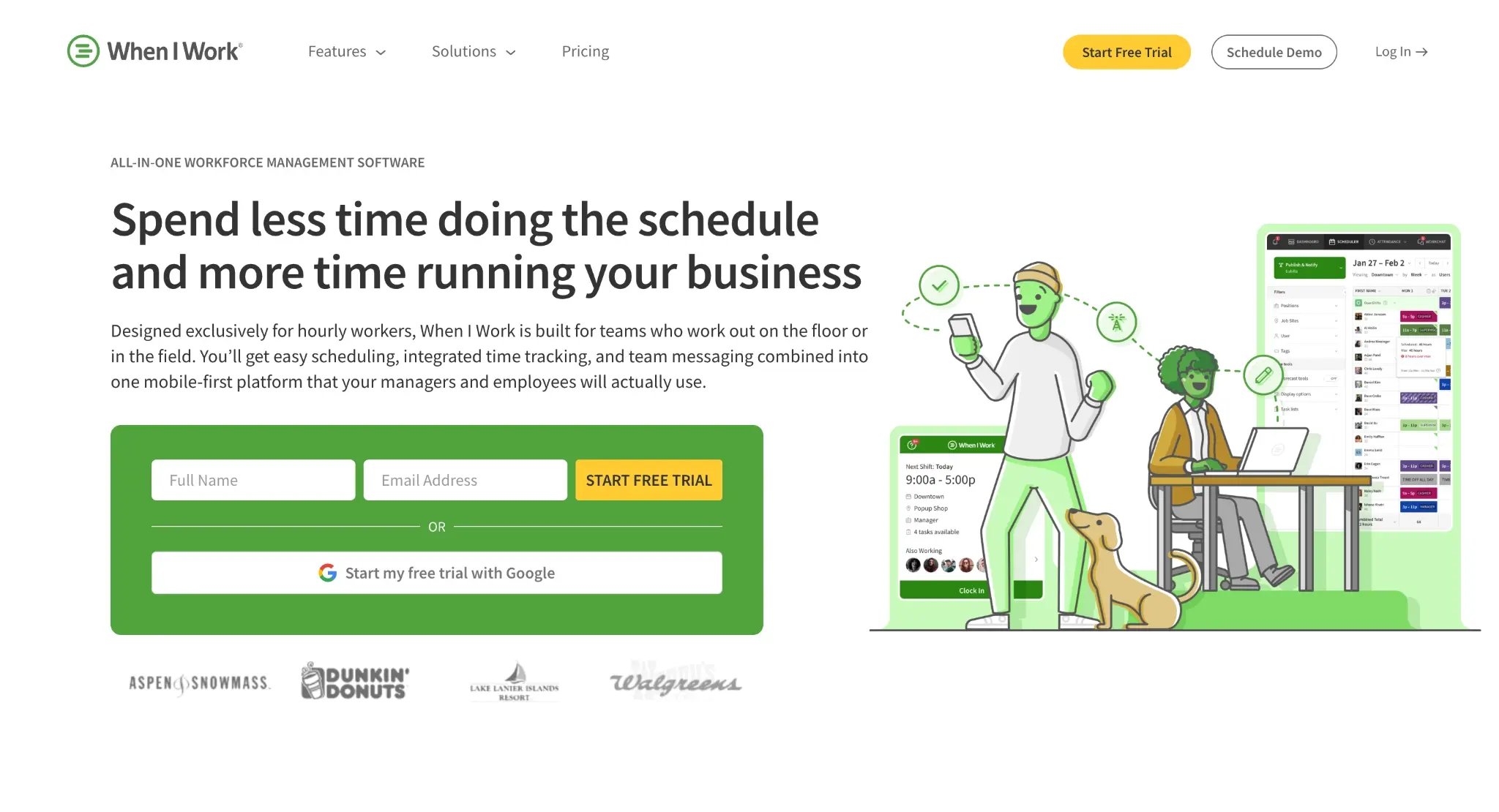
When I Work is an employee scheduling app built around shift planning, a time clock, and team messaging in one mobile interface. It integrates with nine payroll providers, including Gusto and ADP, and has a preferred partnership with Rippling.
How When I Work Supports Mobile Workforce Teams
Shift scheduling done manually means staff texting to swap, managers rebuilding the rota by hand, and someone reliably showing up at the wrong time. When I Work moves that entire process into the app. Workers check shifts, request time off, and offer swaps themselves. Managers approve within the same interface.
GPS clock-in ties attendance to location. Photo clock-in prevents buddy punching without hardware. For a restaurant or retail operation, it retires the whiteboard schedule, the separate time clock, and the group chat where swap requests get lost.
Key Features
- Shift scheduling: Visual drag-and-drop calendar for fixed or rotating schedules with auto-scheduling suggestions.
- GPS time clock: Mobile clock-in with geofencing to restrict clock-ins to specific locations.
- Photo clock-in: Selfie verification at clock-in to prevent buddy punching, no hardware required.
- Shift swaps and availability: Employees submit swap requests and availability changes; managers approve in-app.
- Team messaging: Built-in direct and group messaging for schedule-related communication.
- Labour compliance controls: Overtime alerts and scheduling rules for labour law compliance, Pro plan only.
- Payroll integrations: Timesheet exports to Gusto, ADP, Rippling, and Square POS.
- Multi-location support: Separate schedule views and labour tracking per location, higher-tier plan only.
Limitations
- Time tracking is a paid add-on that raises the effective cost 60–80% above the advertised rate; most buyers discover this after signing up
- No job-site context, GPS field documentation, or construction workflow; it solves scheduling, not field management
- No live phone support; online ticketing only with limited live chat hours
- Seats must be purchased in groups of five
Pricing
- Single location or schedule: $2.50/user/month
- Multiple locations or schedules: $5.00/user/month
- 14-day free trial available
Reviews
7. Raken — Best for daily reporting on large sites
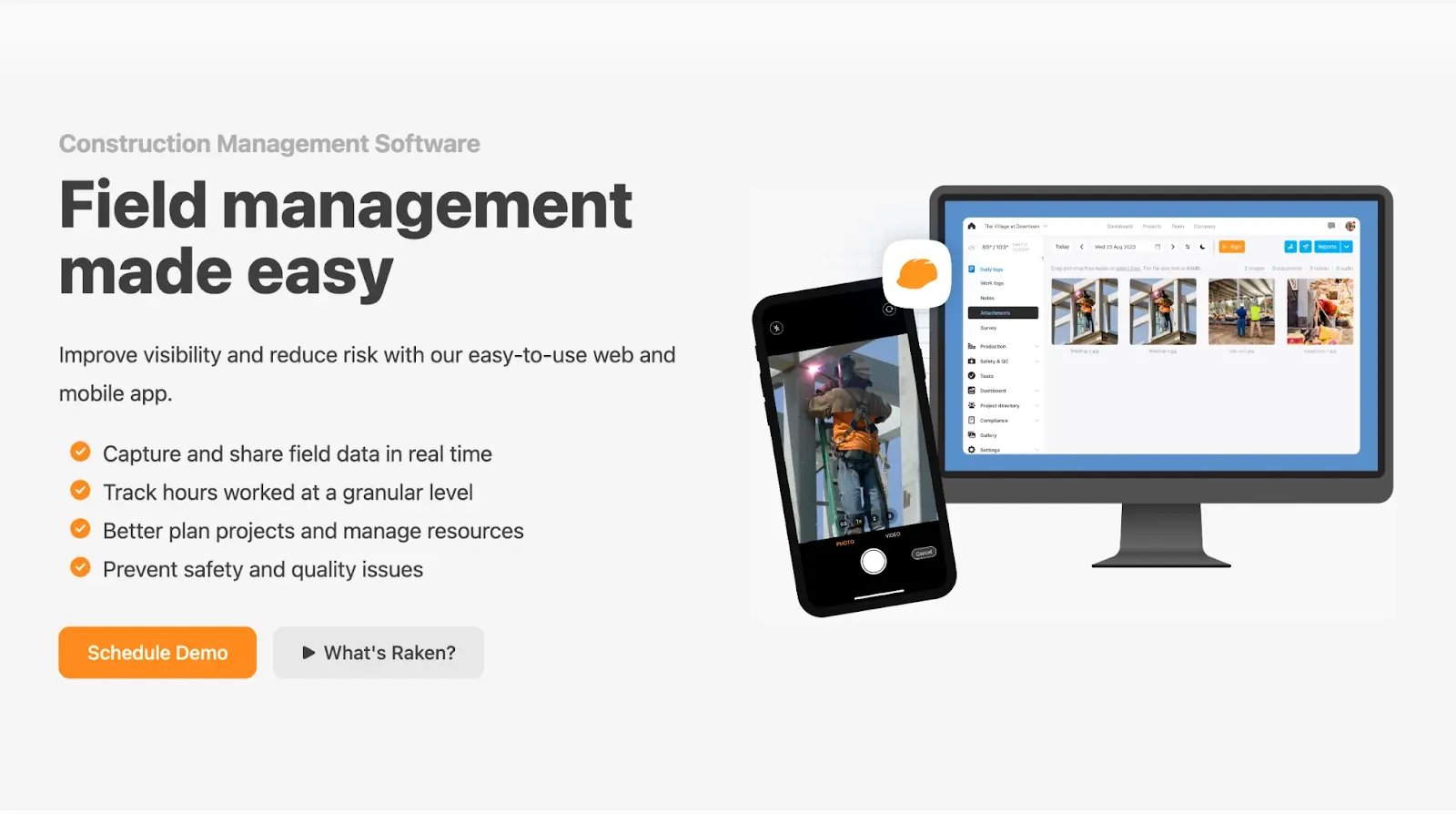
Raken is a construction field documentation app focused on daily reports, photo and video capture, time and production tracking, and safety records. About 82% of its reviewers work in construction, and it integrates with Procore, Egnyte, and Box.
How Raken Supports Mobile Workforce Teams
Daily reports on construction sites are often done badly or not at all, which makes project records thin and prone to disputes.
Raken brings the daily report down to five minutes on a phone. The crew logs weather, headcount, equipment, and work performed as they go, attaches timestamped photos, and the system assembles a clean PDF that goes to the GC and owner automatically. For teams already on Procore, Raken plugs in as the field capture layer that feeds it. It does not schedule crews or generate invoices. It builds the paper trail.
Key Features
- Daily reporting: Structured mobile logs with automatic weekly and monthly PDF distribution to configured recipients.
- Timestamped photo and video capture: Photos attach to daily reports with automatic timestamps, organised by project and date.
- Time tracking with GPS: Mobile clock-in with GPS verification; time cards link to the daily report with subcontractor hours tracked separately.
- Safety management: Toolbox talks, managed checklists, incident reporting, and OSHA compliance documentation.
- Quality control checklists: Digital inspections with corrective action assignment and tracking.
- Production tracking: Crews log production quantities alongside time for productivity reporting and future bid data.
- Document management: Project documents, forms, and historical reports stored and accessible from the field.
- Offline functionality: Reports and data entry work without connectivity; the app syncs when signal returns.
- Integrations: Native connections to Procore, Egnyte, and Box.
Limitations
- Documentation software, not a full field platform; it does not schedule crews, handle client approvals, or generate invoices
- No geofencing or built-in scheduling
- Relies heavily on manual data entry for daily logs
- Report template customisation is limited; required fields cannot always be removed
- No publicly listed pricing, which complicates budget planning
- Typically used alongside another tool rather than replacing the stack
Pricing
Raken does not publish pricing on their website. All plans are custom-quoted based on team size, features, and company size.
Reviews
8. SafetyCulture — Best for field teams requiring mobile inspections and compliance workflows
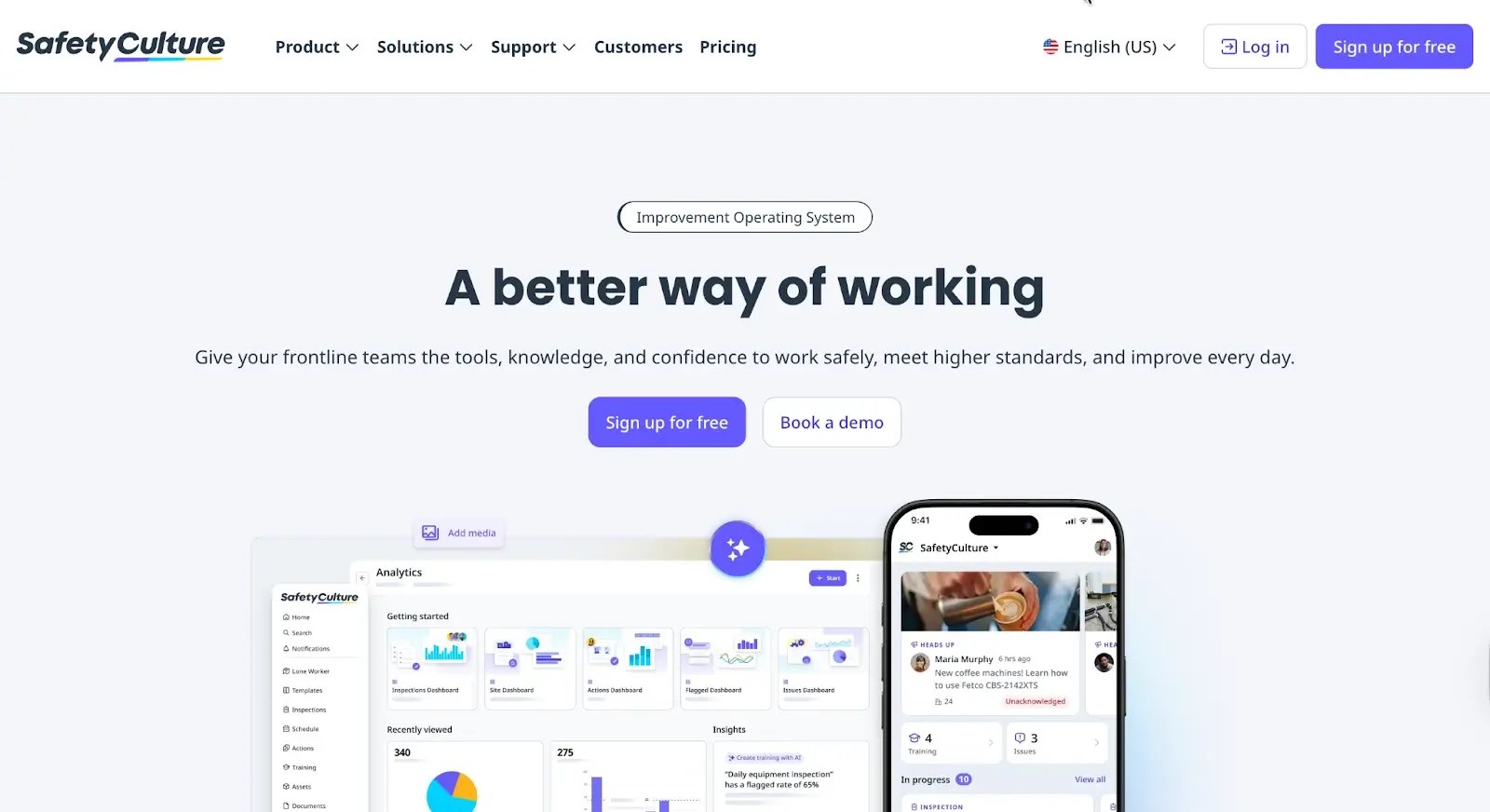
SafetyCulture is a mobile-first inspection and frontline operations platform. It turns paper checklists into structured, trackable digital forms and is one of the most recognized safety apps on the market, used across construction, manufacturing, logistics, and retail to digitize inspections, audits, and safety tasks.
How SafetyCulture Supports Mobile Workforce Teams
Most safety and compliance records are retrievable in theory and useless in practice: a paper form filed somewhere, a photo in a camera roll with no context, a corrective action that was discussed but never tracked. SafetyCulture replaces that with structured digital inspections completed on a phone, photo evidence attached at the point of capture, and a professional PDF report generated the moment the inspection is done.
What separates it from a checklist app is what happens after the finding. Issues assign to named owners with due dates and track to closure. If a site keeps failing the same inspection item, the system triggers a training course for that crew automatically. The record builds forward into action, not just backward into filing.
Key Features
- Inspections and digital checklists: Custom or pre-built templates completed on mobile with photo and note capture, online or offline.
- Automated PDF reports: Inspection reports generated instantly on completion and distributed to stakeholders automatically.
- Issue and corrective action tracking: Inspection findings convert to assigned actions with due dates and tracked closure.
- Training and onboarding: Short courses deployed to workers' phones, with completion tracking and automatic triggering on repeated inspection failures.
- Asset management: Digital registry of equipment and vehicles with maintenance history and service scheduling.
- Heads Up communications: Video and text broadcasts sent to the full team with read-receipt tracking.
- Sensors and IoT: Environmental monitoring with automated alerts when temperature, humidity, or air quality falls outside set thresholds.
- Analytics dashboards: Real-time reporting across inspections, actions, assets, and sites, filterable by location, template, and assignee.
- Offline functionality: Full data capture without connectivity; syncs automatically when signal returns.
- Integrations: Native connections to Microsoft Teams, Procore, Gmail, and Google Drive; SSO via Okta and Microsoft Entra ID on Enterprise.
Limitations
- Not a full workforce management platform; no GPS time clock, crew scheduling, job costing, or client-facing portal
- Advanced reporting, integrations, and permissions are gated behind Premium and Enterprise; the Free plan caps at 5 active templates
- Limited report customization
Pricing
- Free: Up to 10 users; limited to 5 active templates and basic analytics
- Premium: $24/user/month (annual billing) or $29/user/month (monthly); includes unlimited templates, advanced analytics, integrations, and SSO
- Enterprise: Custom pricing; adds dedicated success team, advanced governance, and high-touch deployment support
- Free trial on Premium
Reviews
9. Procore — Best for large-scale construction management
Procore is an end-to-end construction management platform covering project management, quality and safety, and financials across the whole project lifecycle, with unlimited users on every plan.
How Procore Supports Mobile Workforce Teams
Large construction projects break down in one predictable way: too many stakeholders, too many open items, and no single place where everyone can see what has been decided and who is responsible. Drawing revisions reach some trades and not others. Accountability diffuses across inboxes.
Procore fixes that with one shared environment. Field staff access drawings, RFIs, submittals, and inspection forms from the jobsite on their phones. The "ball in court" system tags every open item to a named owner. Subcontractors and owners get access without adding to the per-seat count, which is the rare pricing model that actually makes sense for large multi-stakeholder projects.
Key features
- Project management: RFIs, submittals, drawings, and schedules in a centralized dashboard
- Quality and safety: observations, inspections, and incident management
- Financials: budgets, commitments, change orders, and invoicing down to the subcontractor level
- Preconstruction: bidding and estimating tools
- Field productivity / resource tracking
- Unlimited users and 400-plus integrations (QuickBooks, Bluebeam, and more)
Limitations
- Enterprise scale and cost: pricing is custom and tied to annual construction volume, so the bill grows with your revenue
- Annual contracts only, with heavy onboarding
- Usually overkill and too expensive for a 5 to 30 person crew
- Mobile app is weaker than the web version
Pricing
Procore does not publish pricing. Cost scales with Annual Construction Volume and is custom-quoted. Unlimited users are included on all plans; and the cost model is volume-based, not seat-based.
Reviews
Mobile workforce management vs. field service management software
These two terms get used interchangeably, and the search results don't help. People search for a mobile workforce management system, solution, or application and land on pages about both. Here's how they actually differ.
Mobile workforce management software is workforce-centric. The unit it's built around is the worker: who's on the clock, where they are, what they're assigned, and how to reach them. The category spans construction, delivery, security, retail, and any business with staff who don't sit at a desk.
Field service management software is job-centric. It's built around the service call: a customer requests work, you dispatch a tech, the tech completes a work order, and you invoice the customer. It assumes a steady flow of discrete jobs at customer addresses.
The two overlap heavily. Both run on mobile and handle scheduling, time, and communication. However, where field service tools lean toward dispatch and customer history, workforce tools lean toward crew coordination and labor visibility.
For a small contractor, you probably want a tool that does both: coordinate the crew and tie every hour and photo back to a billable job. That's the lens this list uses.
What to look for in mobile workforce management software for a small crew
Most roundups score tools on feature count. But for a crew of 5 to 30, that's the wrong test. What’s most important is whether the tool removes admin. Look out for these six features:
Mobile-first scheduling that pushes changes instantly
When you reroute a crew, the change has to reach their phones immediately. If it’s hidden in the group chat, someone misses the update. Look for scheduling built for the field, where a reassignment notifies the affected worker the moment you make it.
GPS-verified one-tap time tracking
A timer the crew presses in real time beats a timesheet they fill in from memory by the end of the week. GPS verification on clock-in ties each hour to a worker, a job, and a location, which is what turns logged time into defensible billing. Tools vary widely here, so it's worth comparing dedicated construction time-tracking apps on this point alone.
Job documentation tied to the task
A photo buried in a camera roll proves nothing later. When a photo or note attaches to the specific task it documents, you can pull up exactly what was done, when, and by whom during an invoice dispute.
Communication split into internal and client-facing channels
You need to talk about costs, delays, and staffing without the client reading it, and the client needs enough visibility to stop calling for updates. A tool that separates those two conversations protects both.
Offline capture that syncs when the signal returns
Basements, new builds, and rural sites have no reception. Software that needs a connection to log work doesn't get used on those jobs, so the data never lands. A tool with offline-supported capture removes the excuse.
Transparent, predictable pricing
Published numbers you can budget against beat a quote process that scales with your revenue. Per-user pricing in particular can climb quietly as you add crew, so check what the tool costs at your headcount, not at one seat.
Key takeaway: A platform can be impressive and still fail the only question that matters, which is whether your crew and subs will open it every day.
How to choose the right tool for your crew
- Can the office see status without calling the field? A schedule change someone has to phone in to confirm is the same problem you started with, just inside a new app.
- What's the one thing you're losing right now? Maybe it's a schedule update that doesn't reach the right phone, or hours that never get logged, or photos stuck on someone's camera roll. Choose a tool that fixes that first.
- Did the system record it, or did someone type it? A GPS-stamped clock-in or a timestamped photo stands on its own later. "Marked complete" just means someone tapped a button. It doesn't tell you who was there or when.
- Would your crew open this without being told twice? Starting a timer should take one tap, it should work on a site with no signal, and nobody should need a walkthrough to use it. If it's slower than sending a text, the text wins.
- Does it fit the work you actually do? If you're running multi-week jobs with subs and changing scope, look at Buildbite. For inspections and safety records are a big part of the job, SafetyCulture handles that well, paired with something for scheduling and time. If you're a GC with office staff to run the system, Procore can carry that.
- What does the bill look like at your headcount, not the demo? Per-user costs add up fast past 5 or 10 people, and time tracking is sometimes billed separately from scheduling. Run the math for your crew size before you compare prices.
Replace forgotten timesheets and verbal change orders with one field-first app. Start your free 14-day trial today. No credit card, no setup fees. → Start your free Buildbite trial

 11 June, 2026
 15 min. to read
-webp.webp)
